Conditional release is an optional setting within the Quiz block that restricts learner access to subsequent pages in a module until a quiz is passed.
Conditional release has a few key characteristics:
- Availability: Conditional release is available to all CourseArc clients, but must be enabled by a System Administrator via a support ticket or CourseArc Client Representative request.
- Scope: One Quiz block with conditional release can withhold access to all remaining pages within its module. Each module is limited to a single Quiz block with conditional release enabled.
- Requirement: Learners must complete the quiz with a designated passing score to unlock the rest of the module's content.
Note: Because conditional release changes how learners move through a module, we recommend discussing its use with your System Administrators and instructional designers, and testing it thoroughly, before implementing it in coursework.
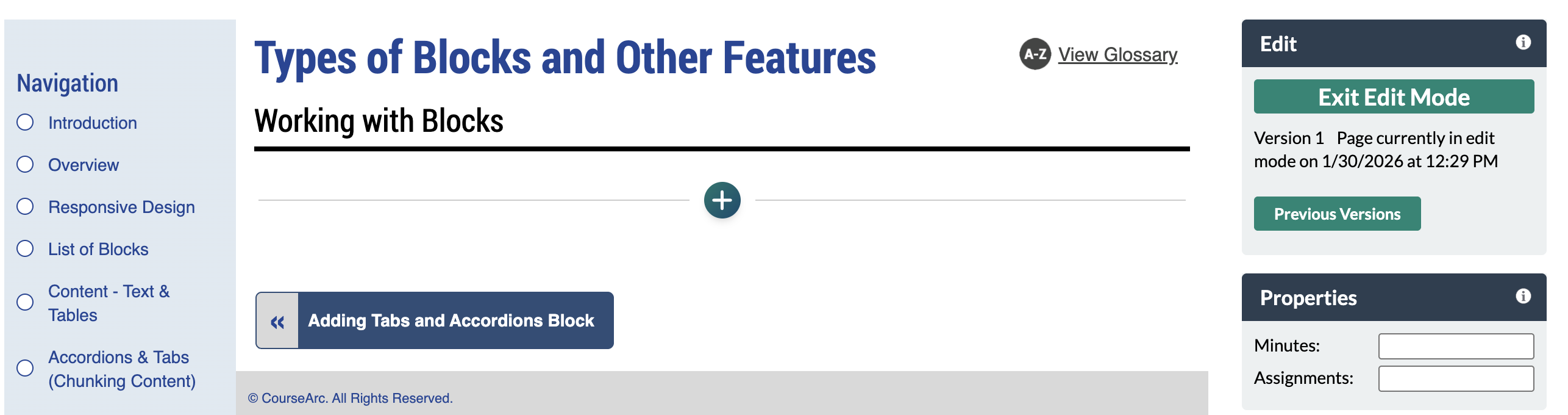
- Navigate to the page and select Edit this Page. Find the position you want to add a block and select the plus (+) icon.
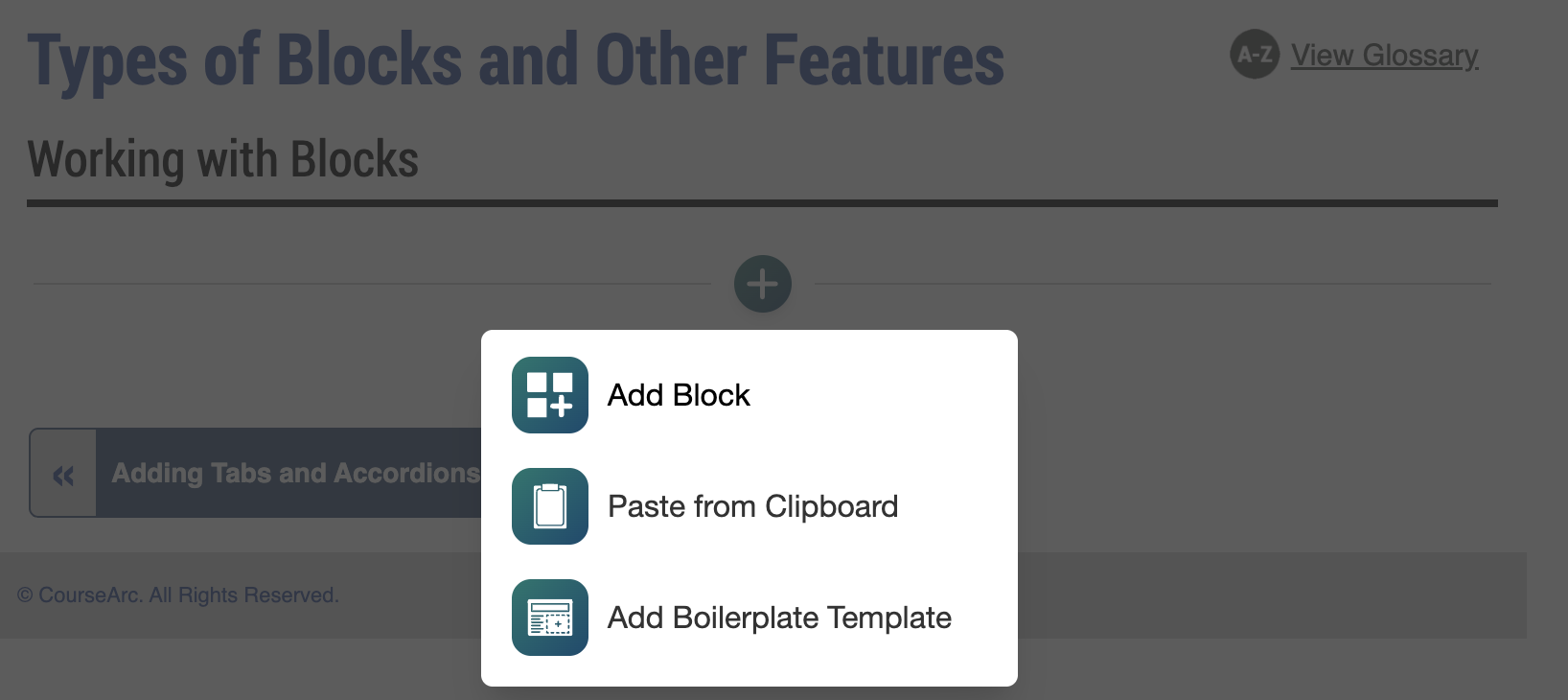
- From the dropdown, select Add Block.
- In the Add Block modal, either:
- Use the Search field to find a block by keyword
- Select a block from your custom list of Favorites
- Scroll through the list of All Blocks to select one
Use the various Categories to filter by block type
Select a star icon to add or remove blocks in your Favorites list
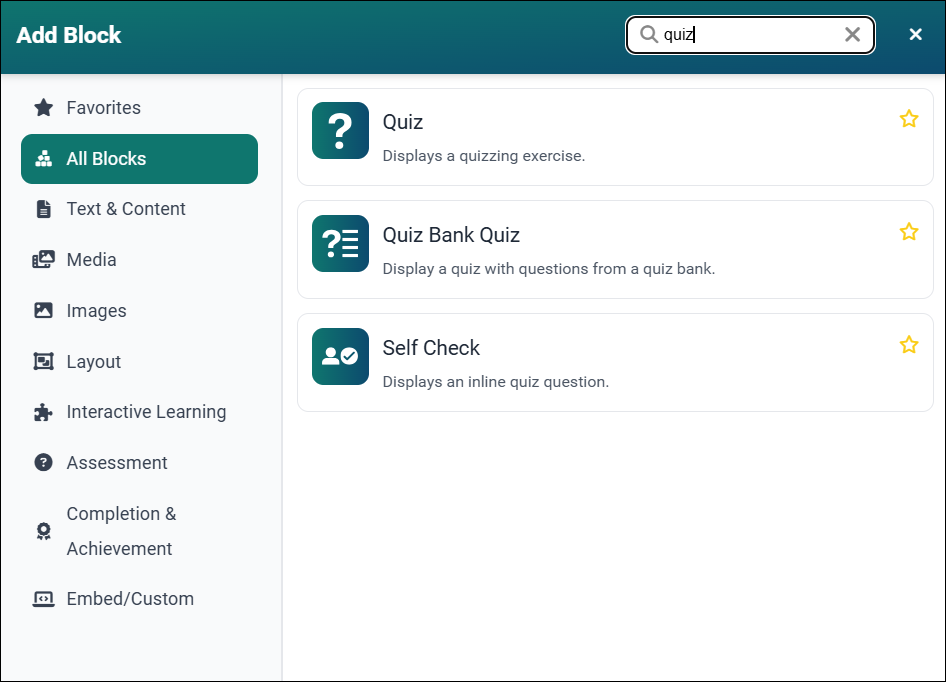
Select the Quiz block. The Add Quiz form will appear. Configure the Quiz Settings - including Title, Graded, Show Feedback, Allow Retries, and Randomize Questions - and add your questions as described in How to Create a Quiz Block.
To enable conditional release for this quiz:
- In the Quiz Settings section, set Conditional Release? to Yes.
- Enter a value in the Passing Score (%) field that appears. This is the minimum score a learner must earn to unlock the rest of the module.
Note: A learner's conditional release score is calculated by dividing the number of quiz question points earned by the total number of quiz question points possible.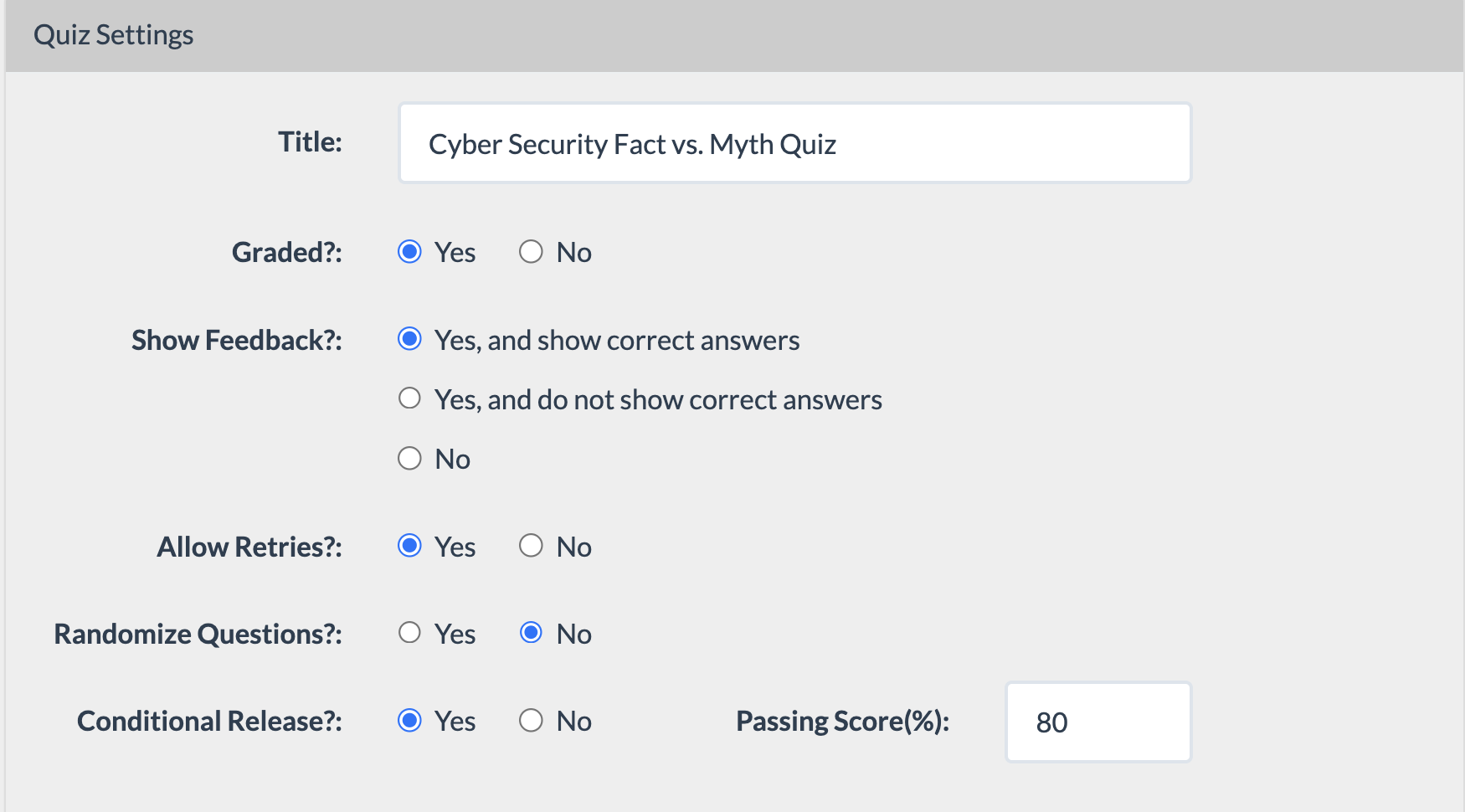
We recommend setting Allow Retries? to Yes, unless each learner should be limited to a single attempt. Without retries, a learner who doesn't meet the passing score on their first try will be permanently locked out of the rest of the module.
Student failed a conditional release quiz and is prompted to Try Again.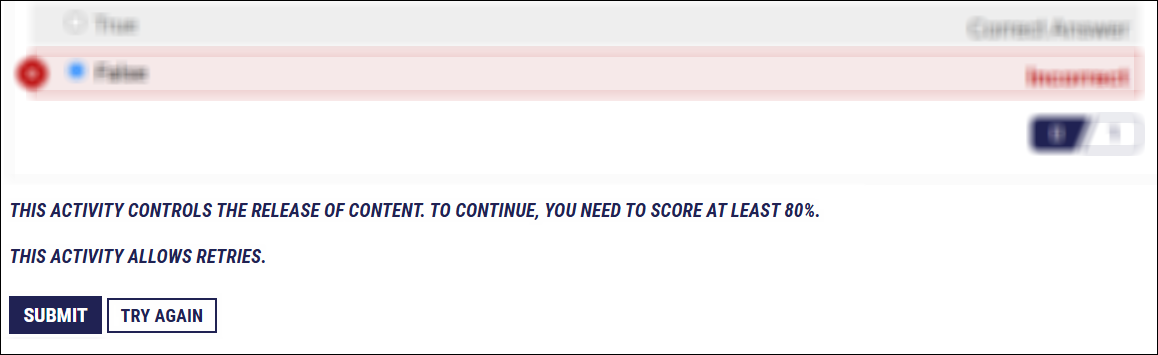
Student failed a conditional release quiz without retries and is permanently locked out of the rest of the course.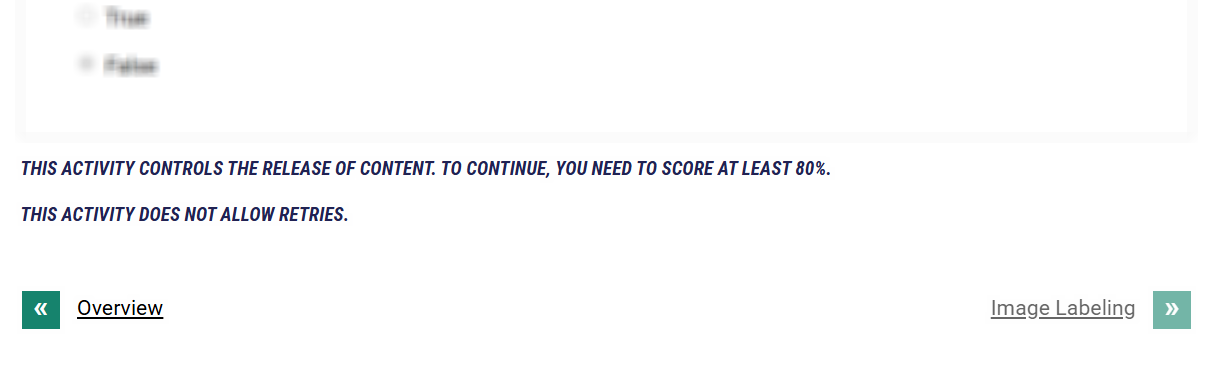
- Select Publish My Edits to save the block to the course page and view the content as it will appear to learners.
Note: Conditional release is not active in Published or Preview views. It only activates when the content is accessed through an LMS.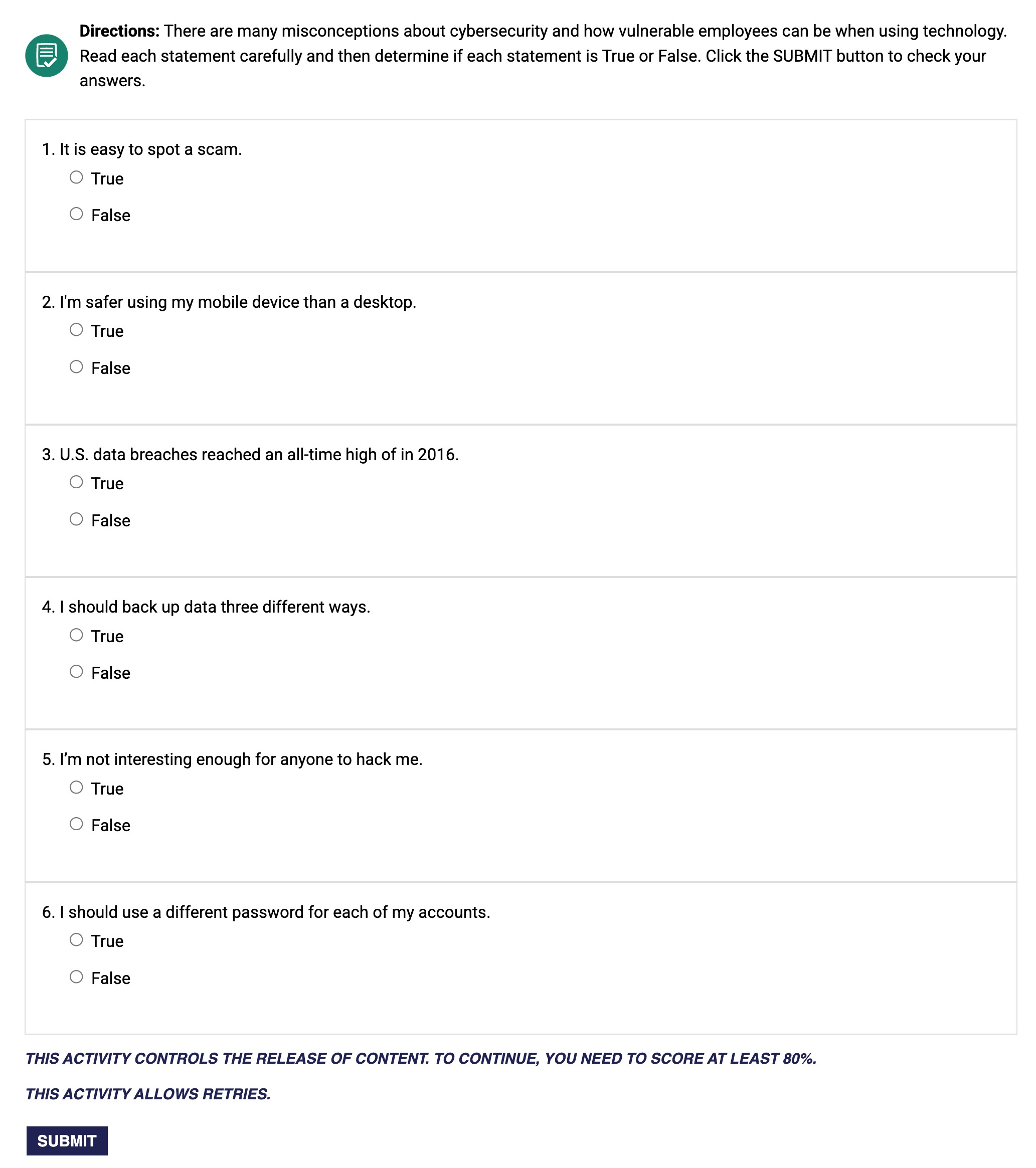
- Until a learner's conditional release quiz score meets or exceeds the required passing score, the pages following the conditional release quiz will remain unavailable. They will appear grayed out in the Navigation panel.
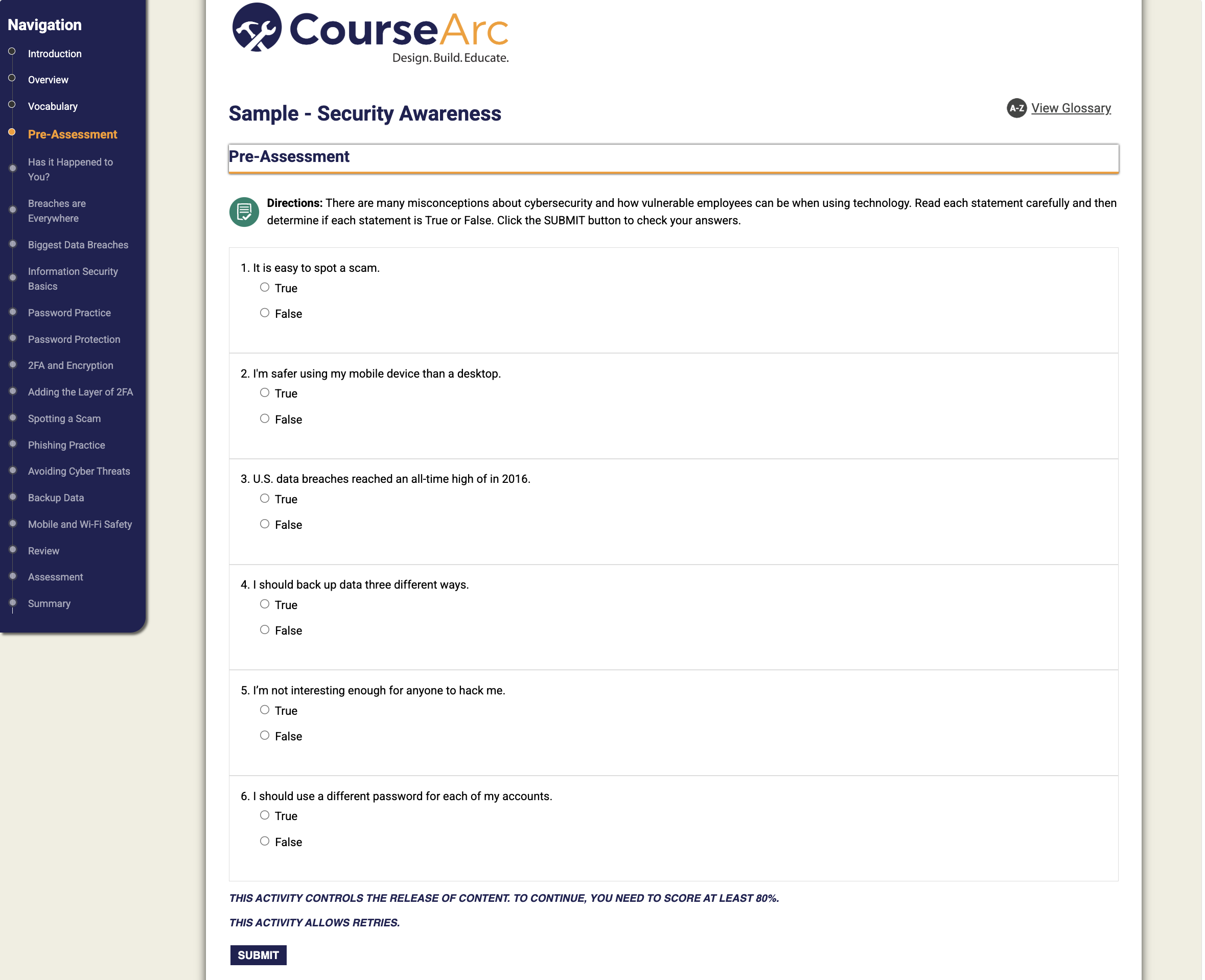
Before they complete the quiz, a message above the Submit button lets students know the minimum score they need to make before they can advance to the rest of the module.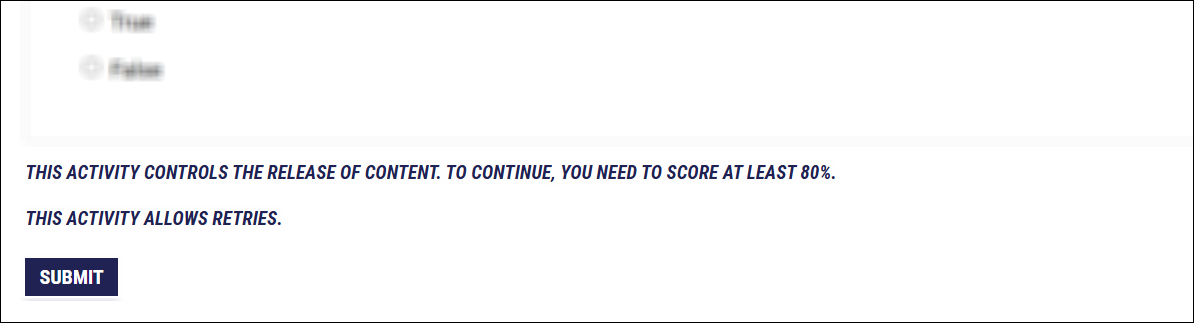
Sample Conditional Release Course Structures
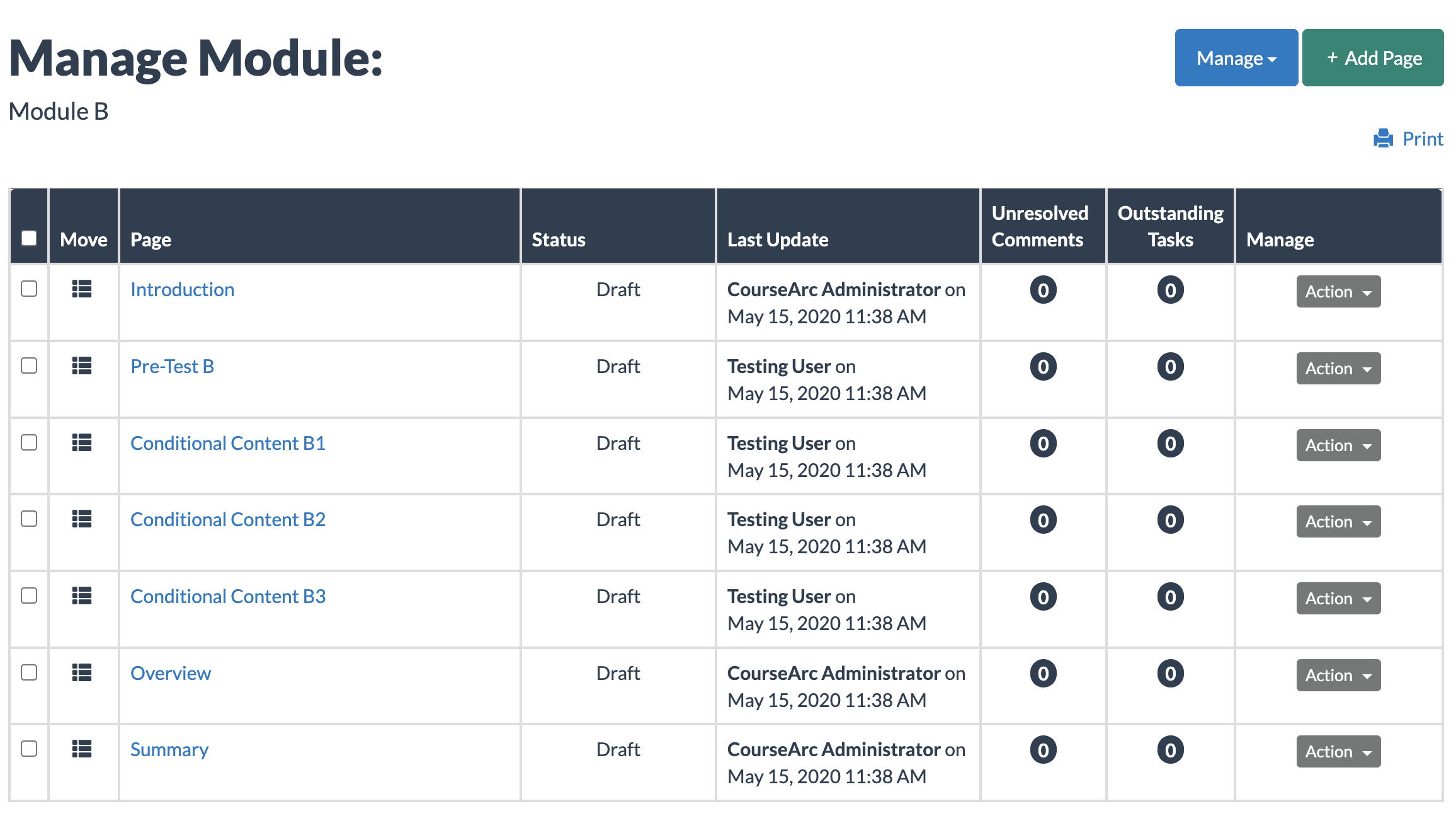
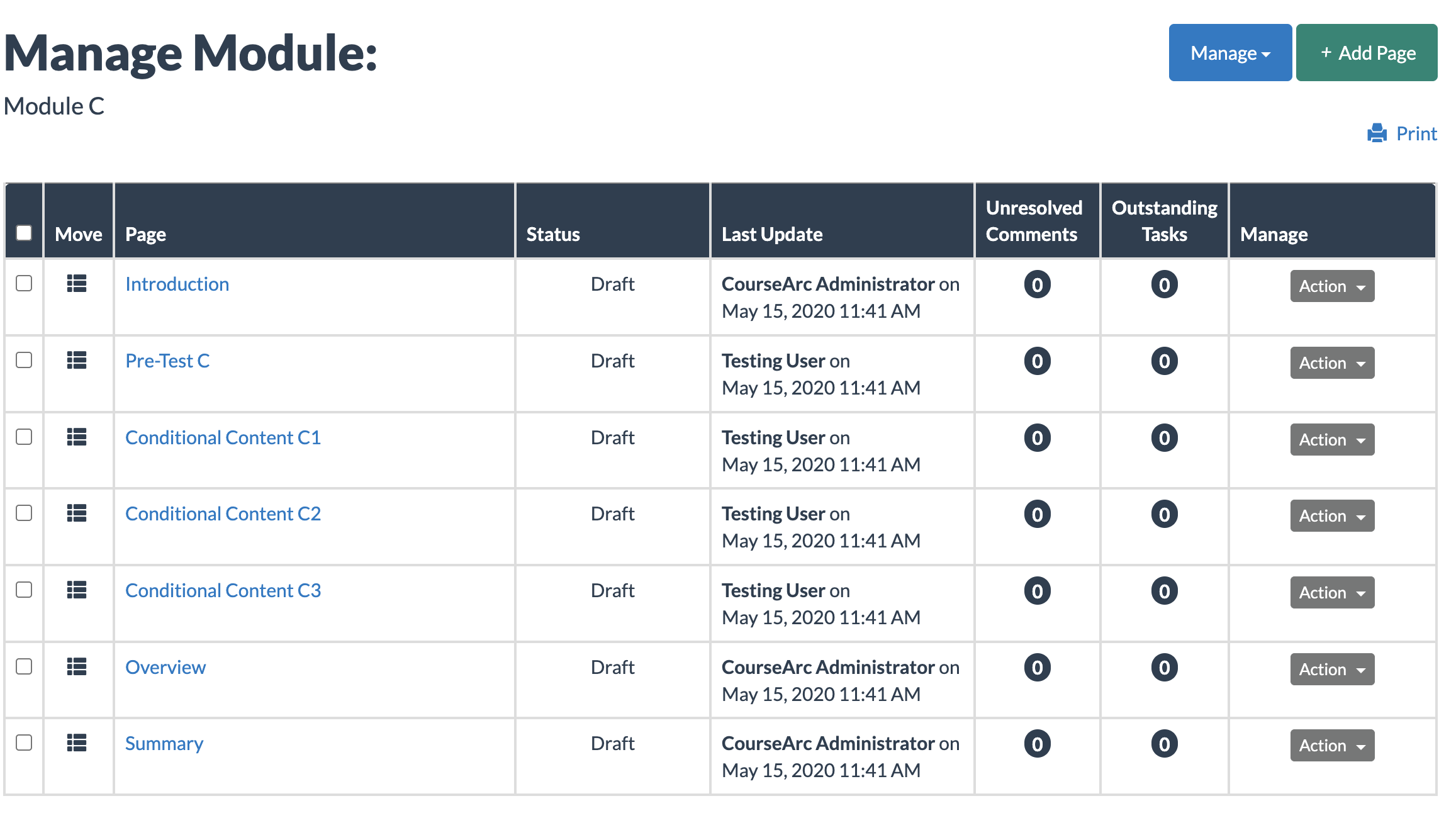
Below is an example of a course structured so that learners must pass a quiz to unlock each module's content. In this course, three modules each begin with a Quiz block with conditional release enabled (Pre-Test A, Pre-Test B, and Pre-Test C) gating access to the pages that follow.
Module A
- Pre-Test A (Quiz block, conditional release enabled)
- Page 1.1 — locked until Pre-Test A is passed
- Page 1.2 — locked until Pre-Test A is passed
Module B
- Pre-Test B (Quiz block, conditional release enabled)
- Page 2.1 — locked until Pre-Test B is passed
- Page 2.2 — locked until Pre-Test B is passed
Module C
- Pre-Test C (Quiz block, conditional release enabled)
- Page 3.1 — locked until Pre-Test C is passed
- Page 3.2 — locked until Pre-Test C is passed
Because each module is limited to one Quiz block with conditional release enabled, a course with this structure requires a separate pre-test at the start of every module. Learners must pass each module's pre-test before the remaining pages in that module become available — passing Pre-Test A does not unlock content in Module 2, for example.
To confirm this structure is working as intended, test each module individually through your LMS, attempting the quiz as a learner would, before releasing the course.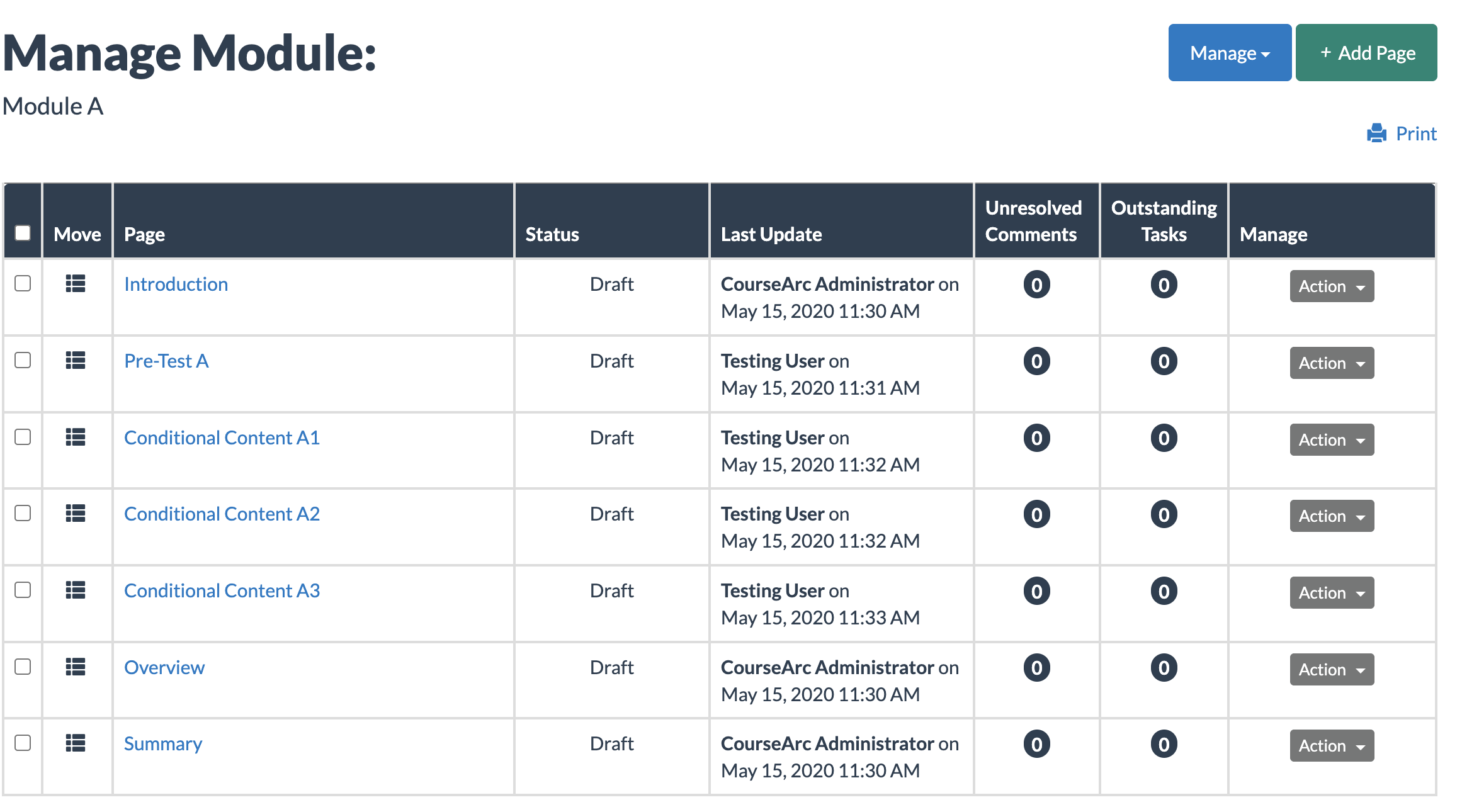
Was this article helpful?
That’s Great!
Thank you for your feedback
Sorry! We couldn't be helpful
Thank you for your feedback
Feedback sent
We appreciate your effort and will try to fix the article