When a module is added to a course, it is populated with three template pages: Introduction, Overview, and Summary.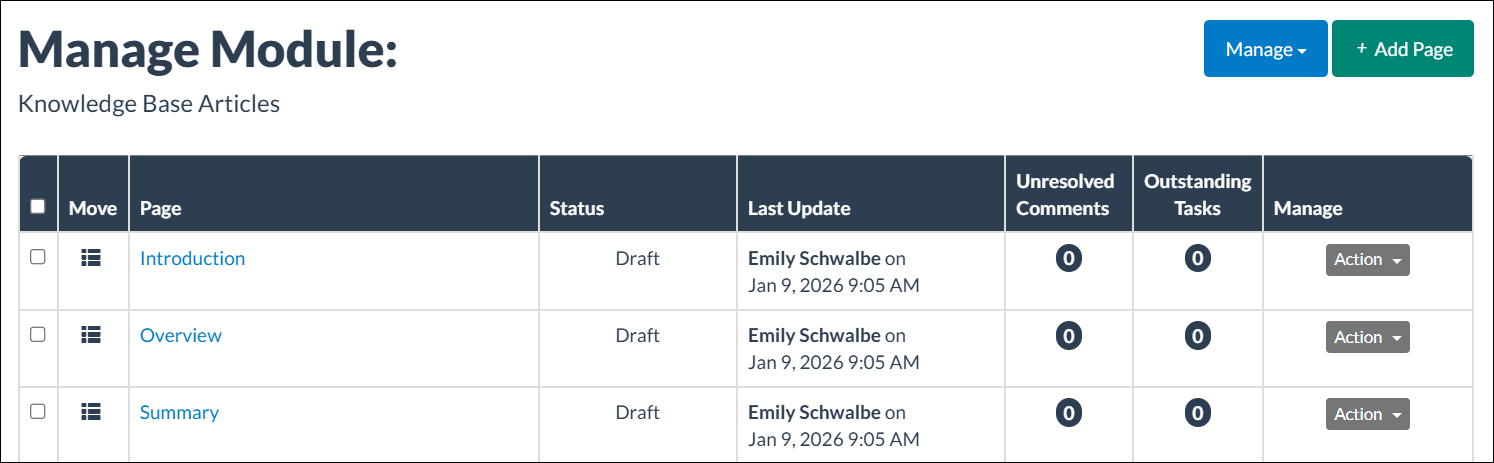
The Overview page consists of three sections:
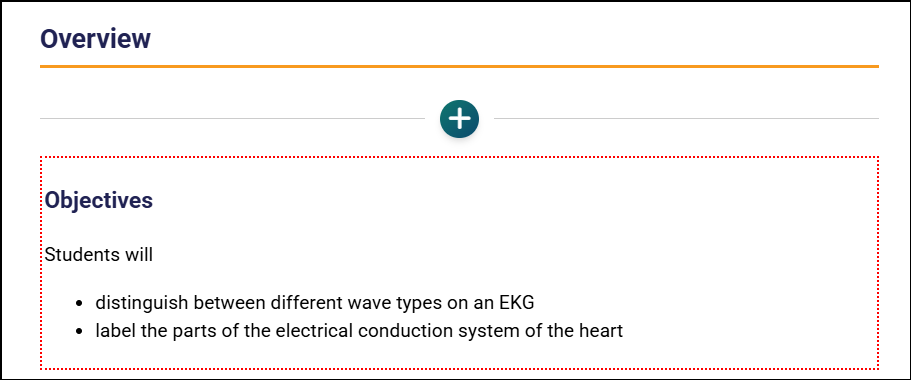
- Objectives
- Activities
- Resources
Objectives
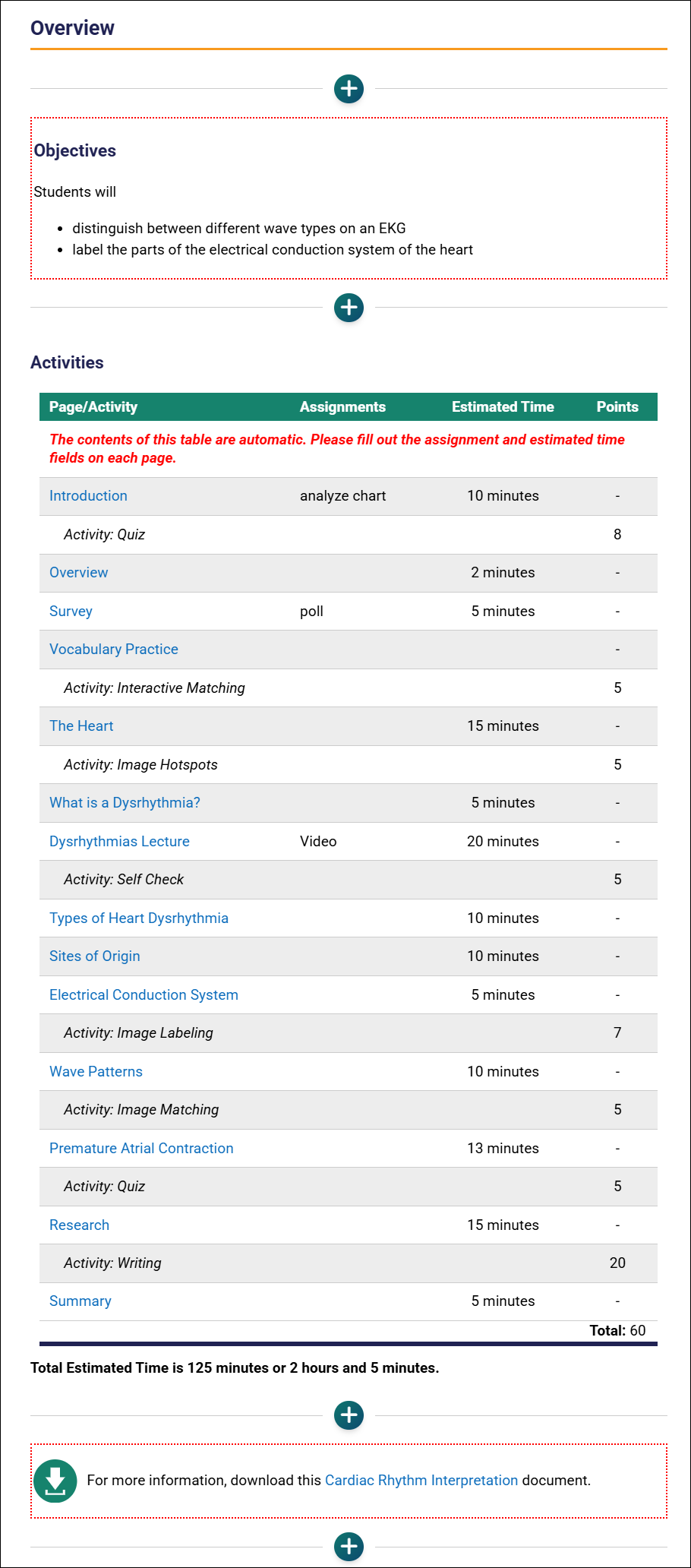
Add or edit objectives on the page. Blocks with a red, dotted line indicate that the page is in Edit mode.
Activities
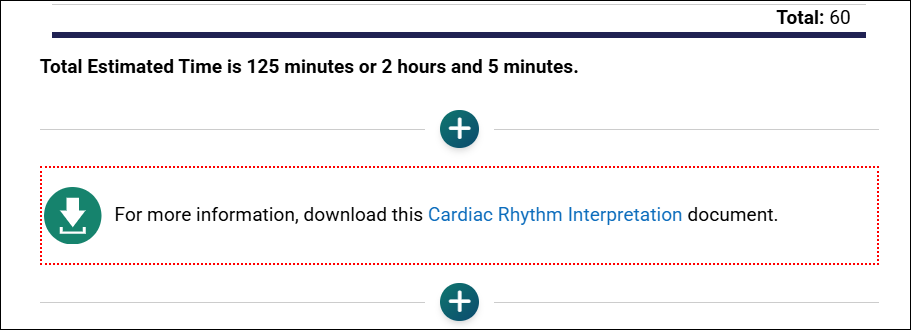
The Activities table and total estimated time are dynamically generated as content editors populate the Minutes and Assignments fields for each page. The table lists pages in sequential order and updates automatically if content is reordered. If a module contains no assignments, the Assignments column will not appear. The total estimated time reflects the sum of estimated times across all pages in the module.
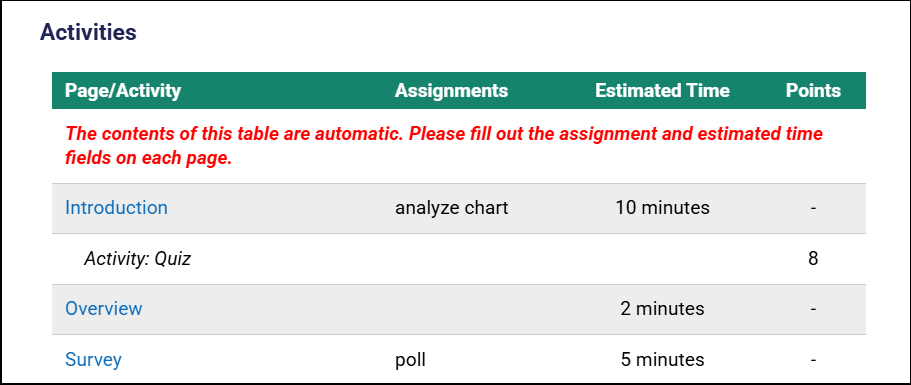 Note: The Activities table is automatically generated and not editable.
The Activities table updates automatically when data is entered in a page's Minutes: and Assignments: fields.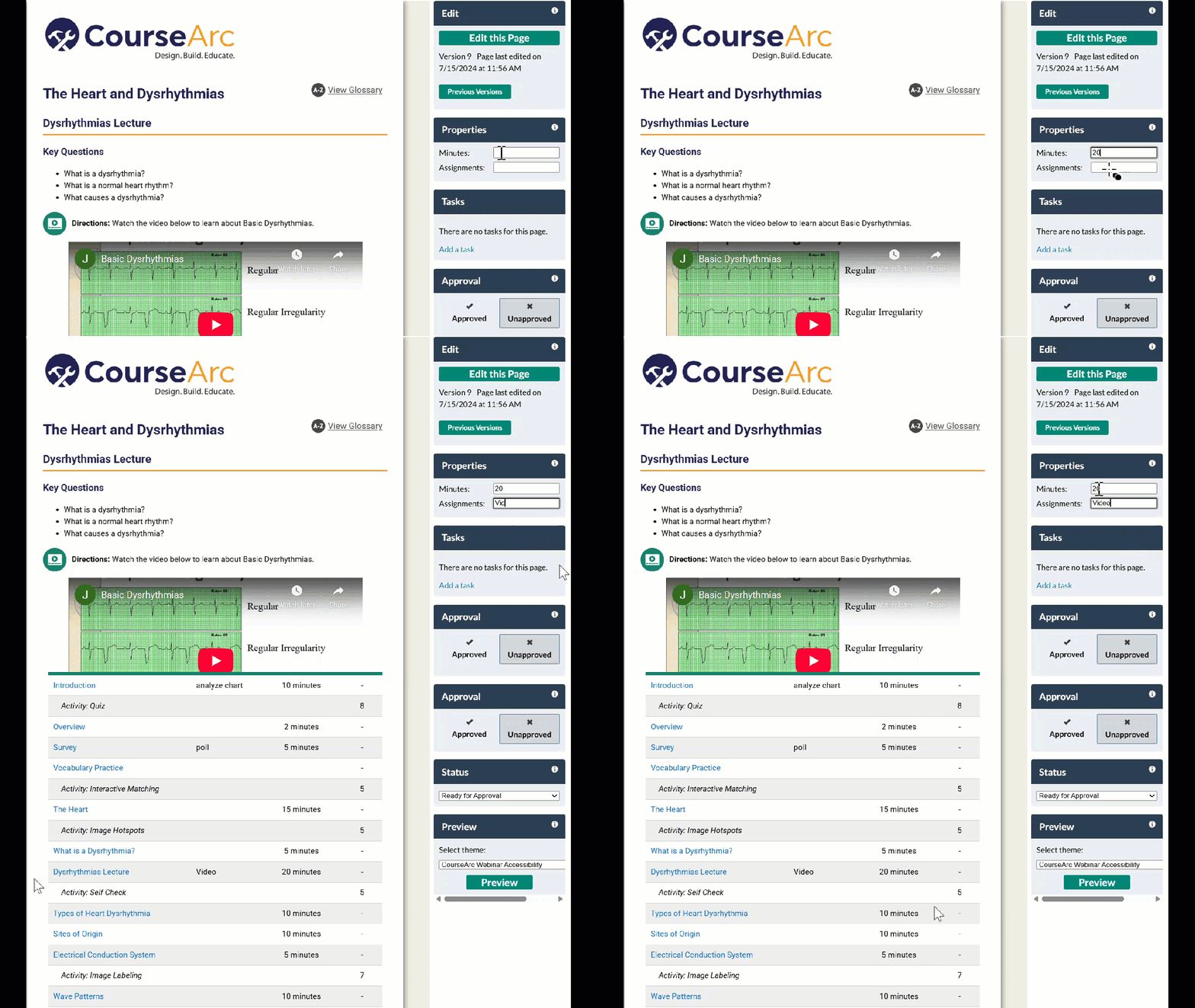
Resources
The Resources section allows content creators to include supplemental files and materials that learners may need to succeed in this course.
If an Overview page is not needed in a module, it may be deleted like any other course page.
Overview page in Edit mode
To learn about the different page templates available in CourseArc, refer to What is a page template?.
Was this article helpful?
That’s Great!
Thank you for your feedback
Sorry! We couldn't be helpful
Thank you for your feedback
Feedback sent
We appreciate your effort and will try to fix the article