A Cloze activity is a fill-in-the-blank exercise where learners complete missing words or phrases within a passage of text. It is commonly used to test comprehension, vocabulary, and recall.
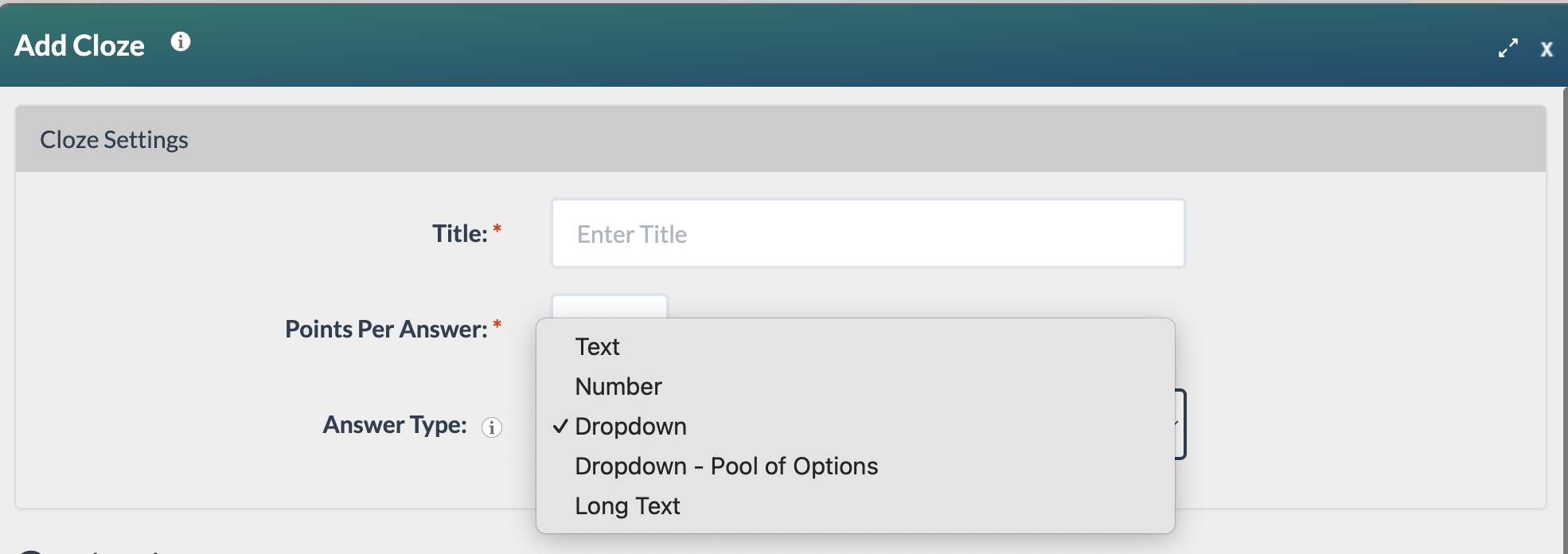
The Cloze block has five answer type options:
- Text: Fill-in-the-blank (open text)
- Number: Fill-in-the-blank (numeric only)
- Dropdown: Custom answer choices for each blank (Default)
- Dropdown – Pool of Options: One shared list of answer choices for all blanks
- Long Text: Open-ended freeform response
Each Cloze block supports only one answer type. All cloze items within a block will use the selected answer type. For example, selecting Text means every item in that block requires a text response.
Text
Fill-in-the-blank with an open text response. The learner types any word or phrase into the blank. Use this when you want a short, specific written answer.
In this example, the learner identifies the defense mechanism. 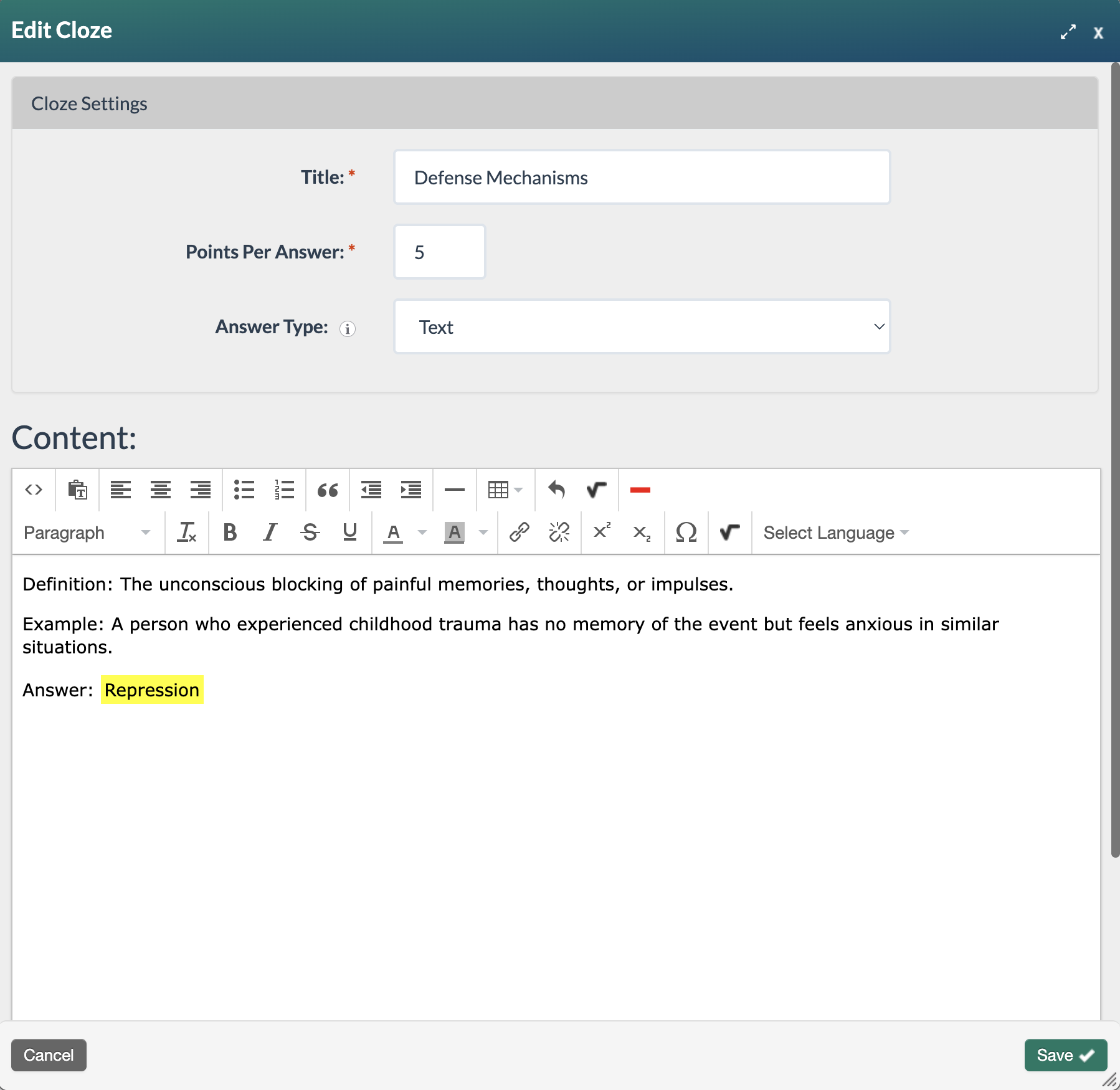
Edit Cloze form with text answer type selected.
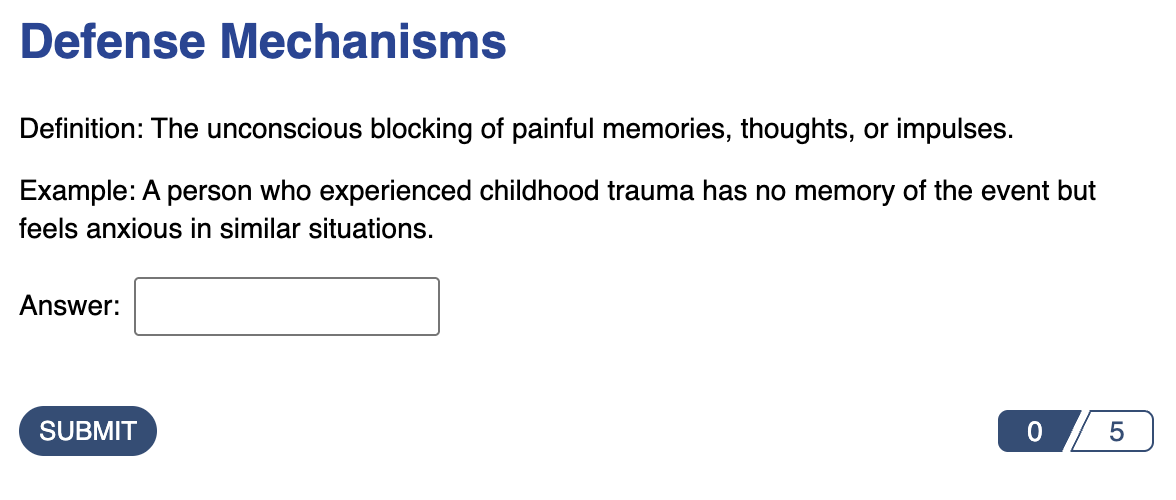
Published cloze text question as it will appear to learners.
Number
Fill-in-the-blank with a numeric response only. The learner types a number into the blank. Use this for math, measurements, dates, or any question where the answer is strictly numerical.
In this example, the learner completes the missing blanks in the even and odd sequences.
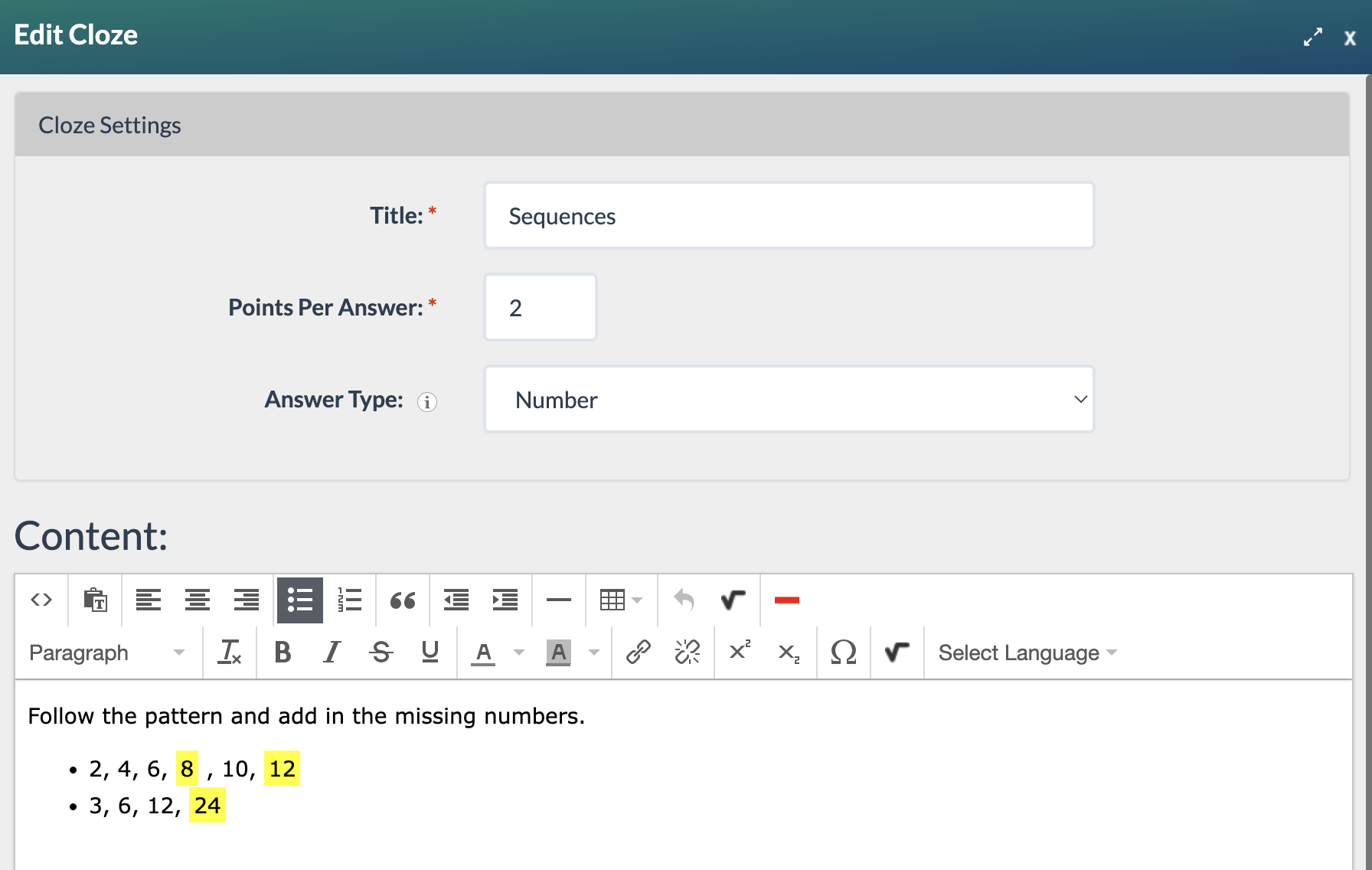 Edit Cloze form with number answer type selected.
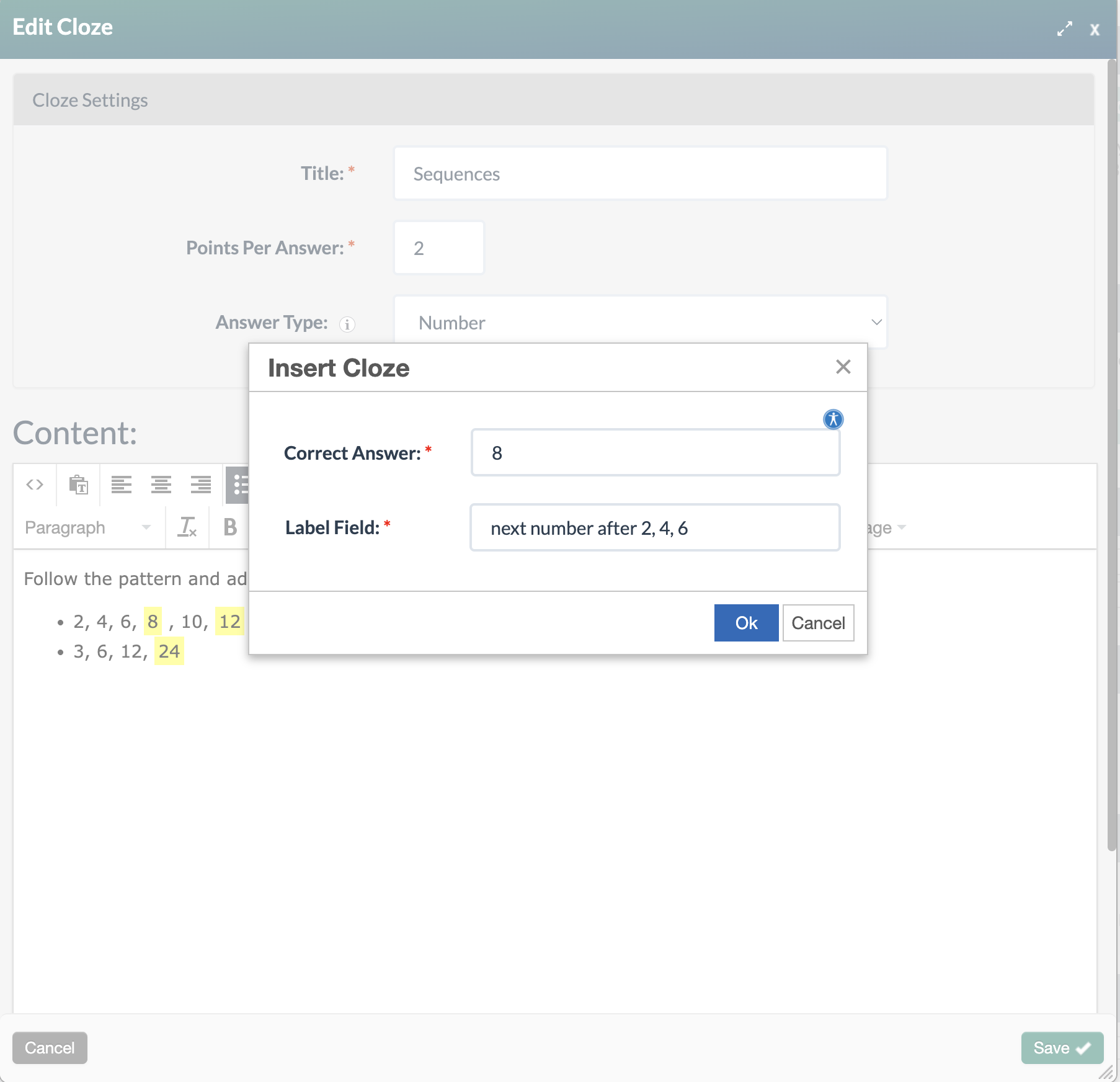
Edit Cloze form with correct answer and label completed.
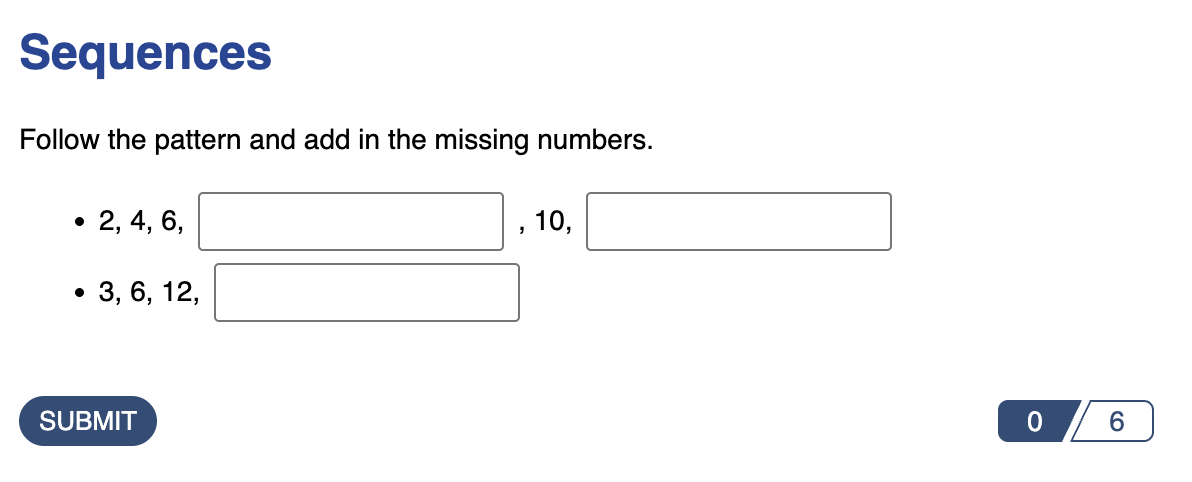
Published cloze number question as it will appear to learners.
Dropdown
A dropdown menu with unique answer choices for each, individual blank. Use this when each blank asks about something different, so that options wouldn't make sense shared across blanks.
In this example, the learner selects the correct answer to complete a fact about the human heart.
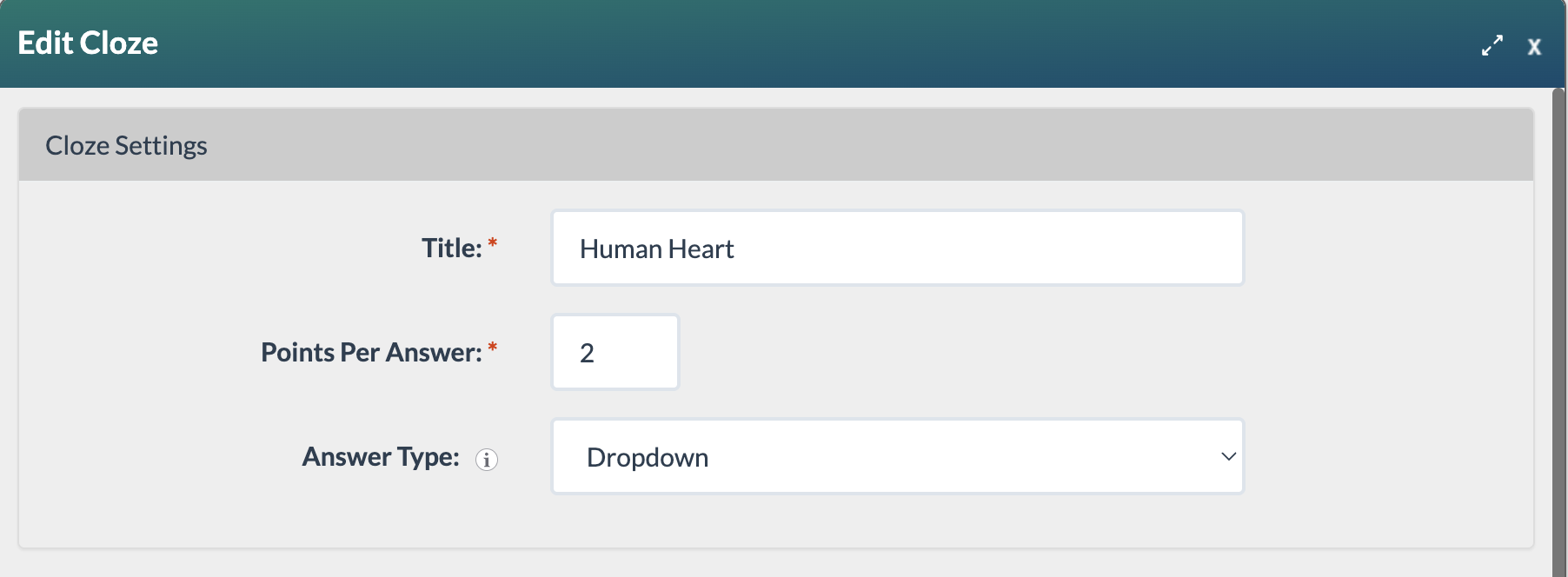
Edit Cloze form with dropdown answer type selected.
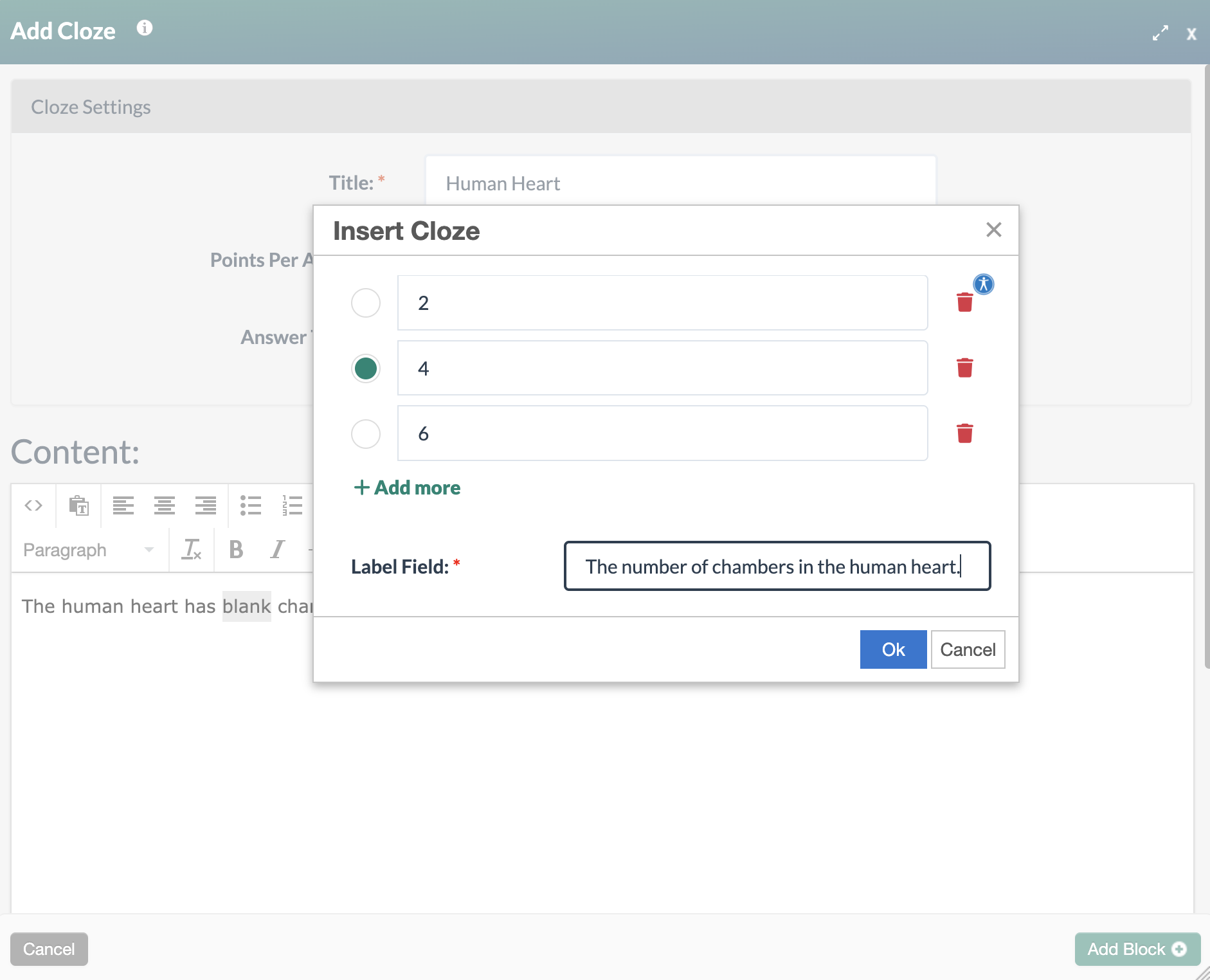
Edit Cloze form with dropdown choices, correct answer, and label completed.
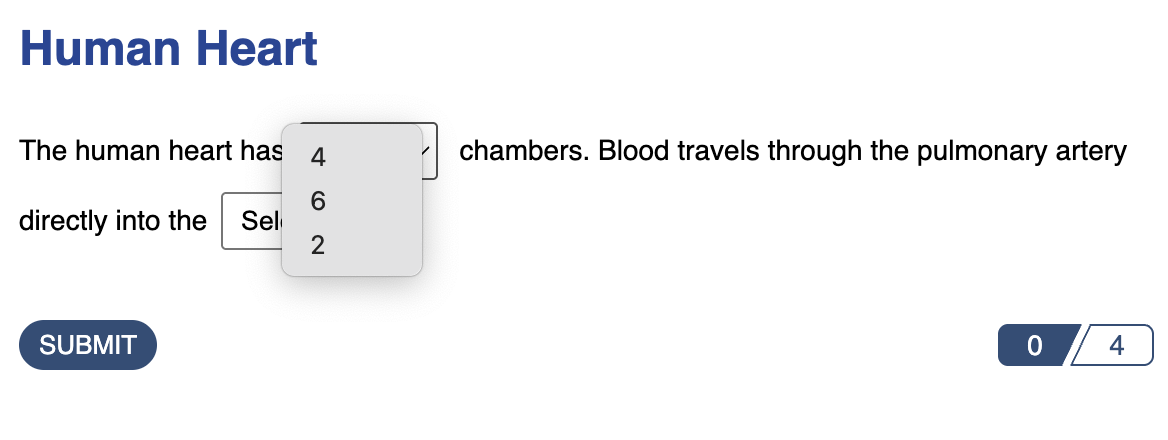
Published cloze dropdown answer as it will appear to learners. The first blank has a unique set of answer choices. 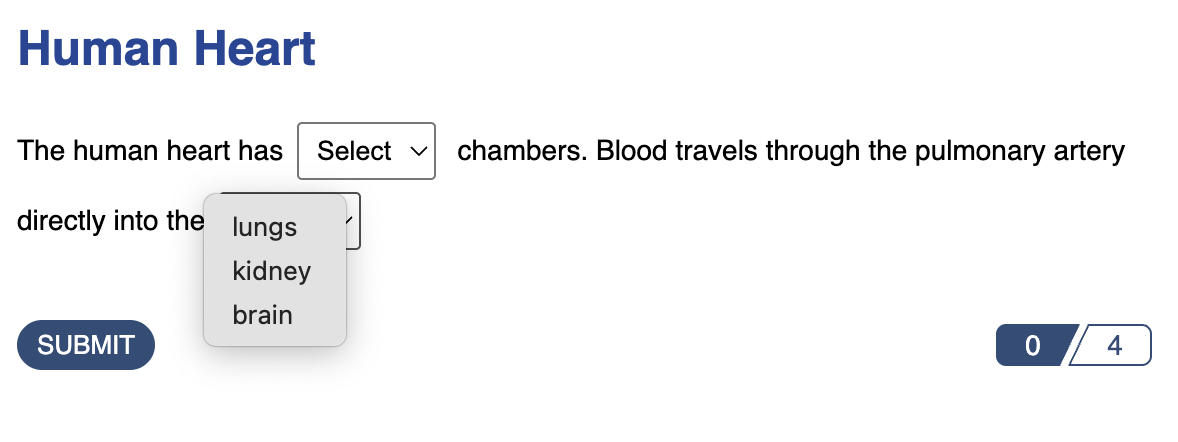
Published cloze dropdown answer as it will appear to learners. This second blank has a unique set of answer choices.
Dropdown - Pool of Options
A dropdown menu with one shared list of answer choices for all blanks. You create a single pool of answer choices that appears in every blank throughout the question. Use this when all blanks draw from the same set of possible answers.
In this example, the learner completes the missing blanks at the end of each line of the poem.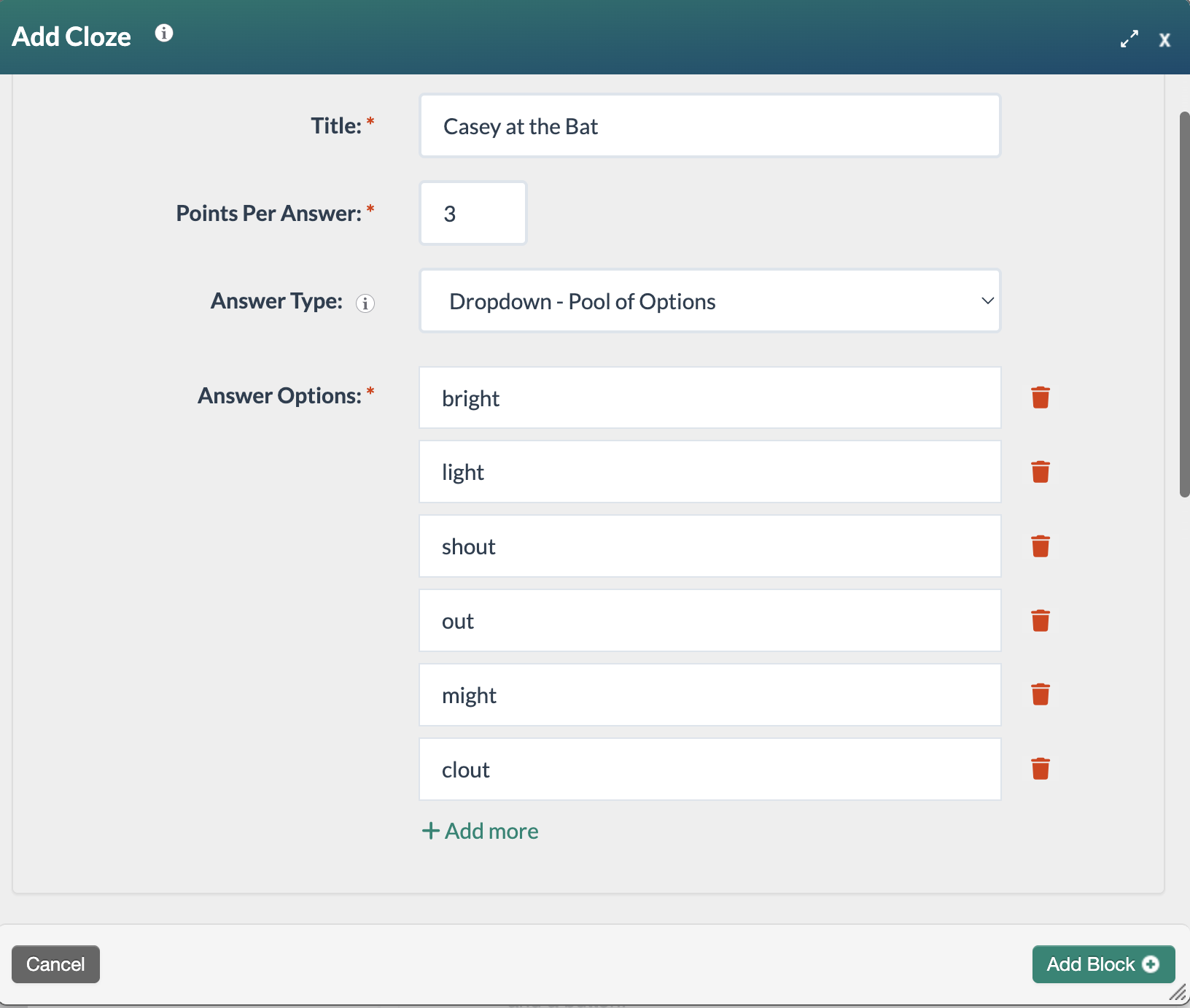
Edit Cloze form with dropdown-pool of options answer type selected.
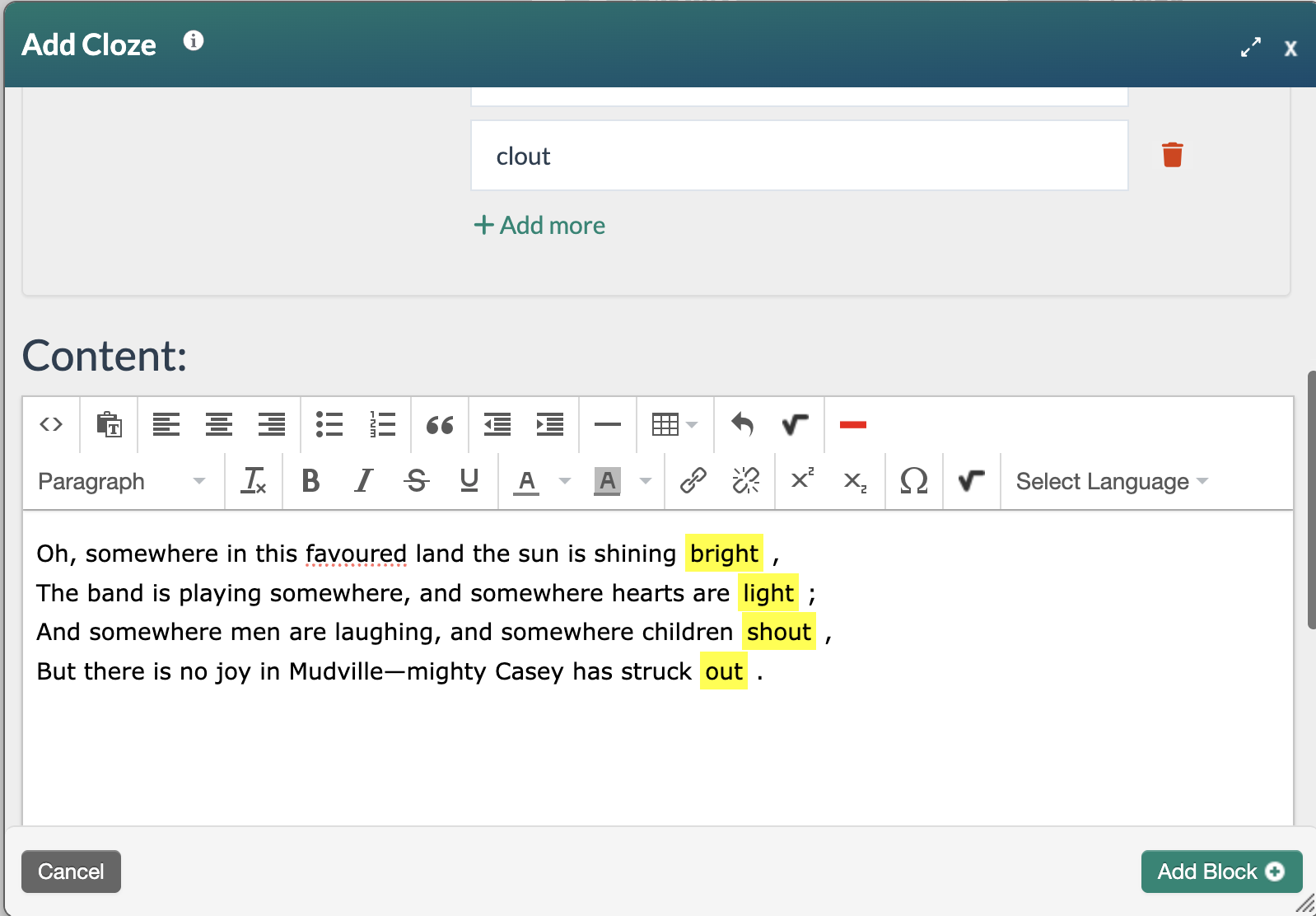
Edit Cloze form with dropdown answers selected.
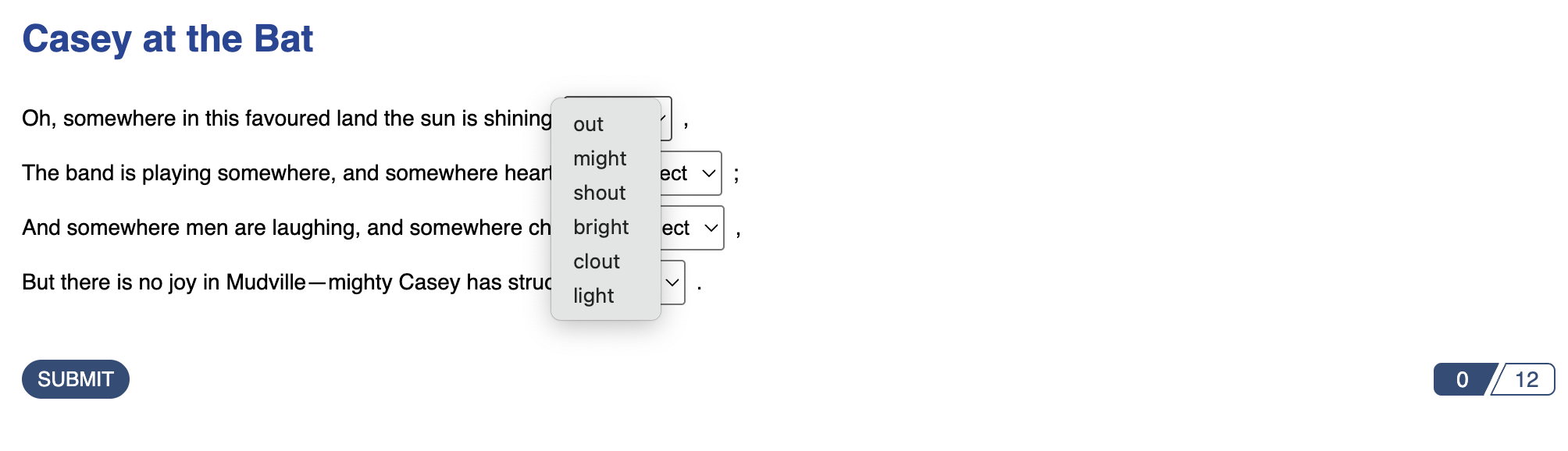
Published cloze dropdown pool of options question as it will appear to learners.
Long Text
An open-ended freeform response. The learner is given a larger text box to write an extended response. Use this when you want the learner to explain, describe, or reflect rather than fill in a single word or value.
In this example, the learner answers an essay question.
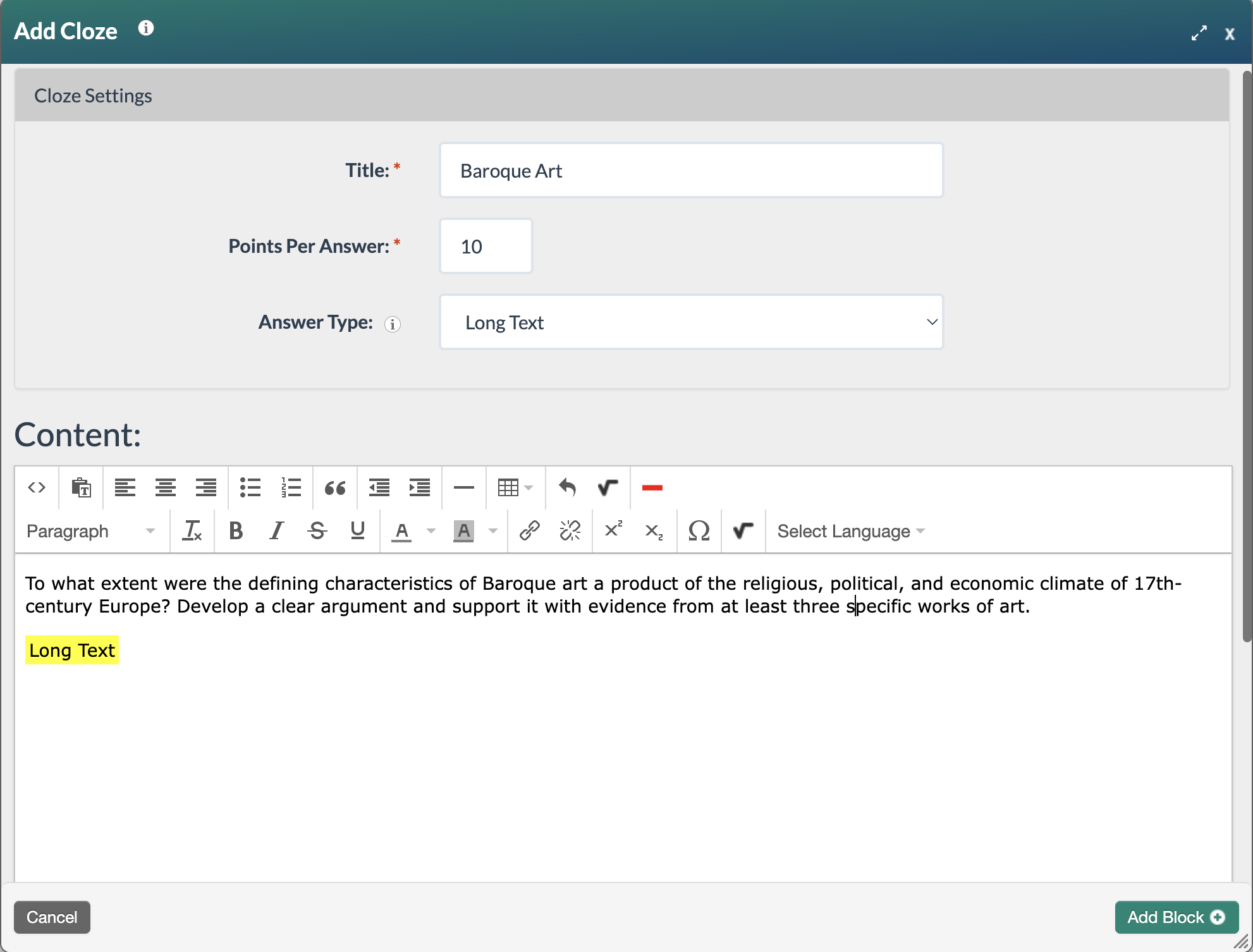
Edit Cloze form with long text answer type selected
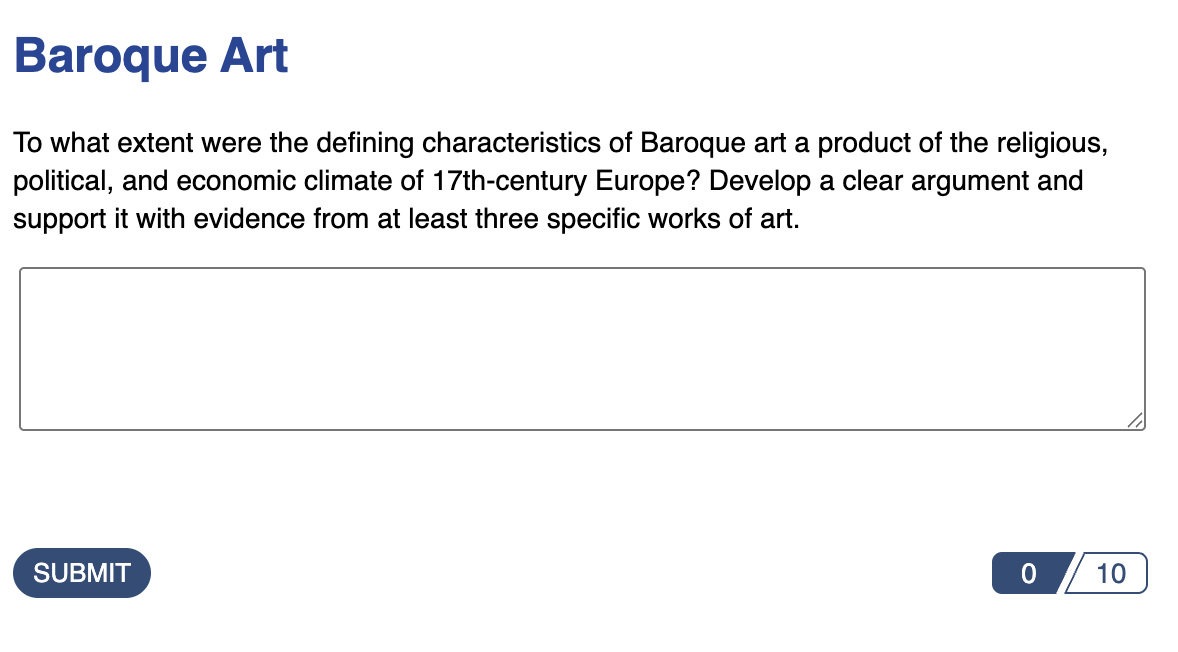
Published cloze long text question as it will appear to learners.
To learn more about the Label Field:* check out How do I design a cloze activity to be accessible?.
Was this article helpful?
That’s Great!
Thank you for your feedback
Sorry! We couldn't be helpful
Thank you for your feedback
Feedback sent
We appreciate your effort and will try to fix the article