Decorative images do not provide the learner with any new information on a page. For example, a background flourish or an image whose content is already conveyed in nearby text can both be considered decorative images. These images should have a null alt attribute (alt="") rather than a description, so screen readers skip over them instead of reading out irrelevant text.
To mark an image as decorative, check the Decorative Image box in the Image block. This automatically sets alt="" and aria-hidden="true", which also suppresses the image's attribution and caption from screen readers.
Only mark an image as decorative if it truly adds no content to a page. If the page conveys the content without the image, you can safely hide the image by marking it as "decorative." However, if you're unsure whether it's purely ornamental, treat it as an informative image and write real alt text instead.
To learn about decorative images, refer to WebAim's Decorative Images.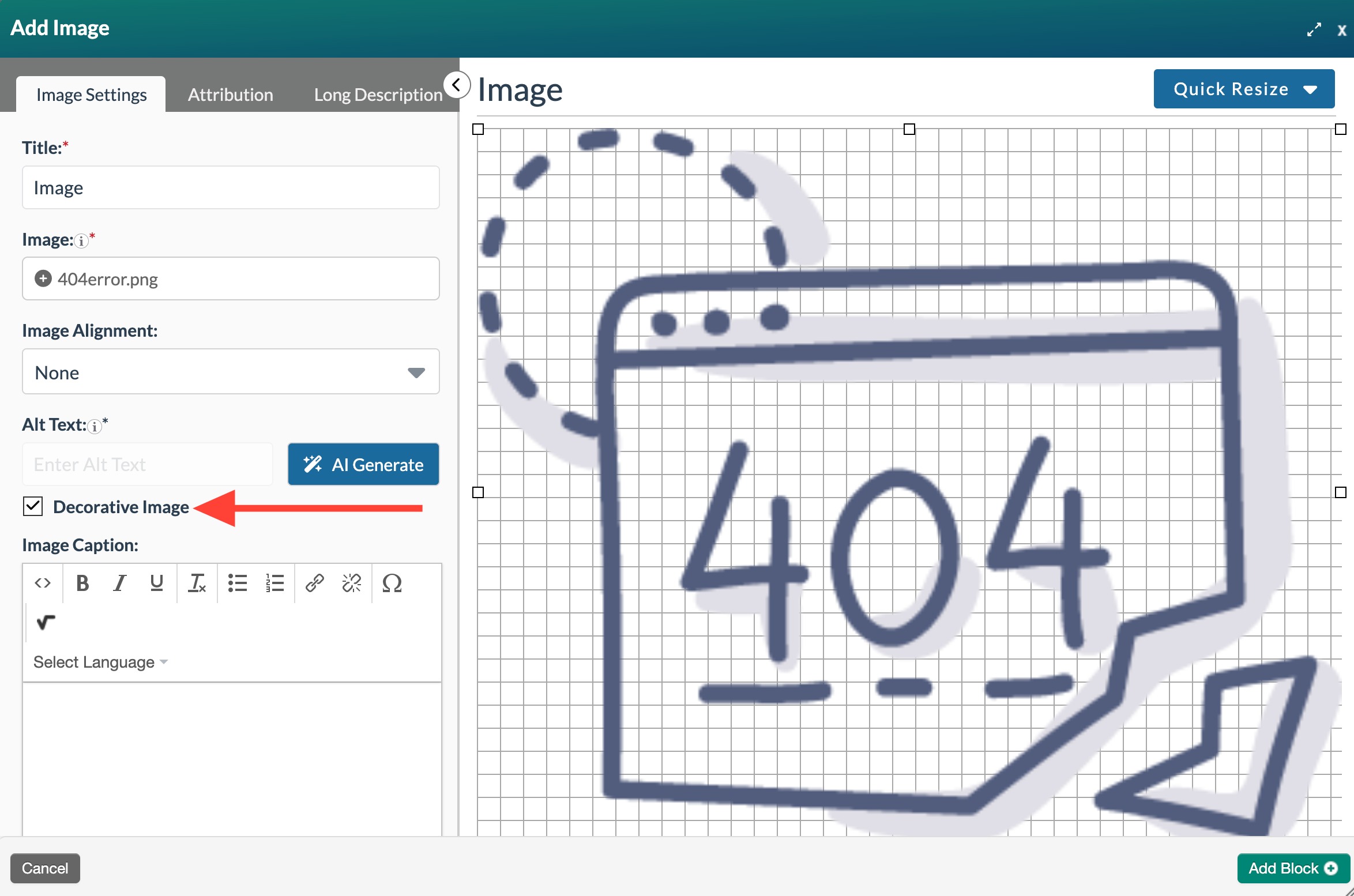
Was this article helpful?
That’s Great!
Thank you for your feedback
Sorry! We couldn't be helpful
Thank you for your feedback
Feedback sent
We appreciate your effort and will try to fix the article