CourseArc provides in-platform guidance, step-by-step documentation, product notifications, and other resources to help you find answers and stay informed.
Access the CourseArc Knowledge Base
From the Main Navigation, select Help to open the CourseArc Knowledge Base. The Knowledge Base includes step-by-step instructions, animations, and videos covering CourseArc features and workflows.
Access the Resource Center
From the Main Navigation, select Resources to open the CourseArc Resource Center. The Resource Center feature spotlights, getting started guides and monthly newsletters.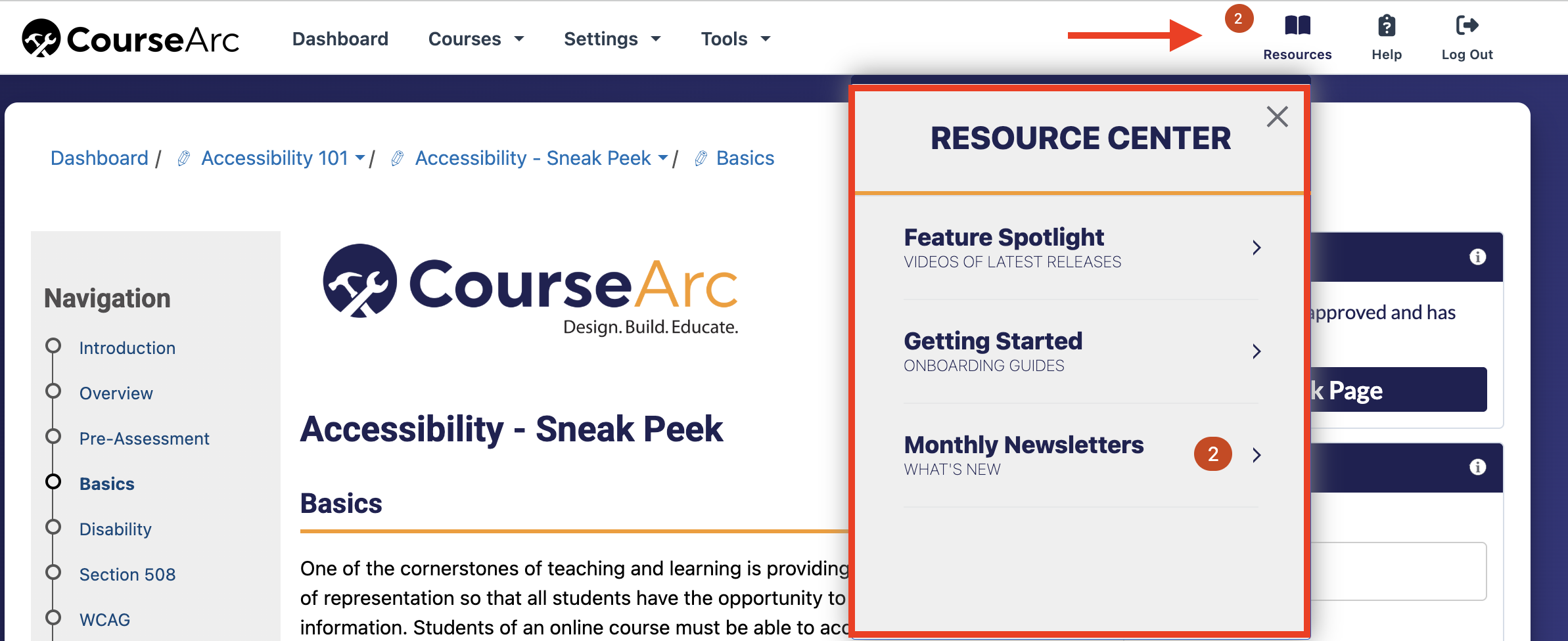
Find Help within CourseArc
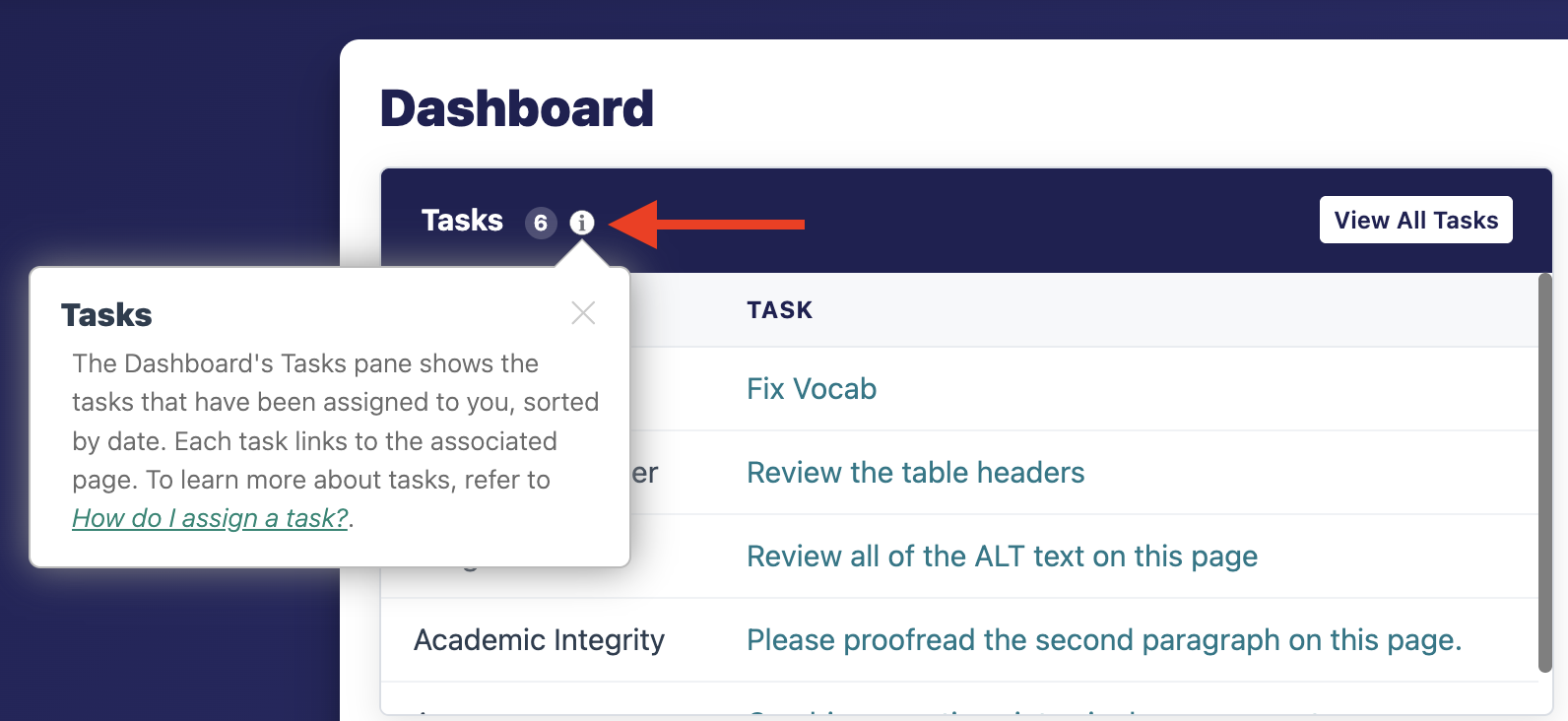
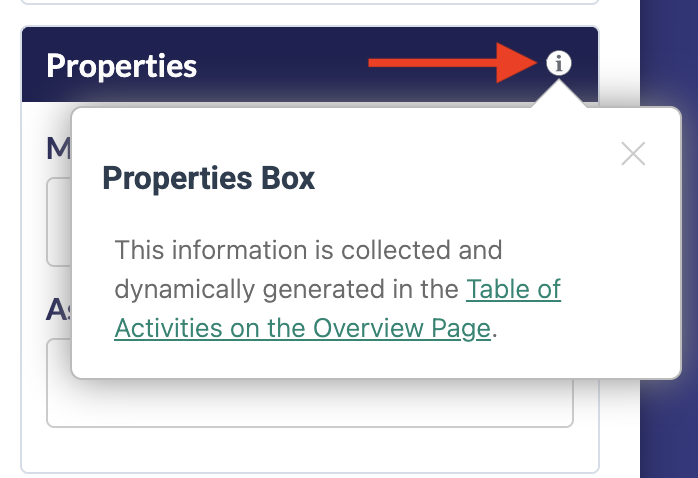
CourseArc provides contextual help for specific features. Hover over an information icon to view a tooltip. When available, select the link in the tooltip to open the related Knowledge Base article.
Receive News and Announcements
CourseArc emails subscribers a monthly newsletter featuring new functionality, tips, and upcoming webinars.
Add info@coursearc.com to your contacts or approved senders list to help prevent CourseArc newsletters from being filtered as spam.
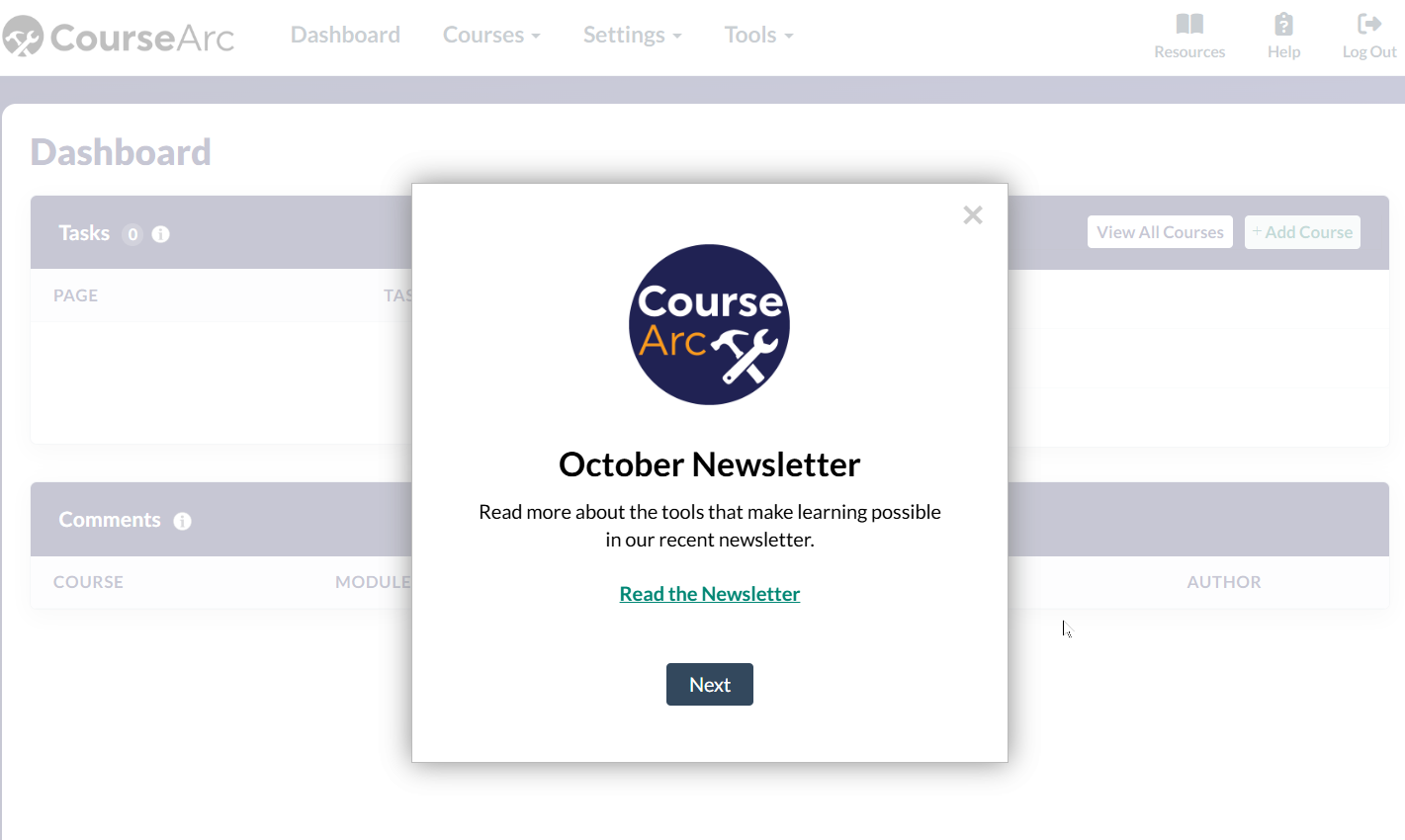
CourseArc may also display notifications when you log in. Review these notifications to learn about new functionality and other important updates.
Explore Additional Resources
The CourseArc website offers additional resources, including blog posts and webinar recordings. You can also follow CourseArc on LinkedIn for the latest news and announcements.
Was this article helpful?
That’s Great!
Thank you for your feedback
Sorry! We couldn't be helpful
Thank you for your feedback
Feedback sent
We appreciate your effort and will try to fix the article