Answer Keys display the correct answers for quiz questions, helping instructors review and verify quiz content.
Supported for:
- Quiz block
- Quiz Bank Quiz block
Note: Answer keys are only viewable by instructors from an instructor context (e.g., logged in as an instructor via an LMS).
Instructor View (LMS)
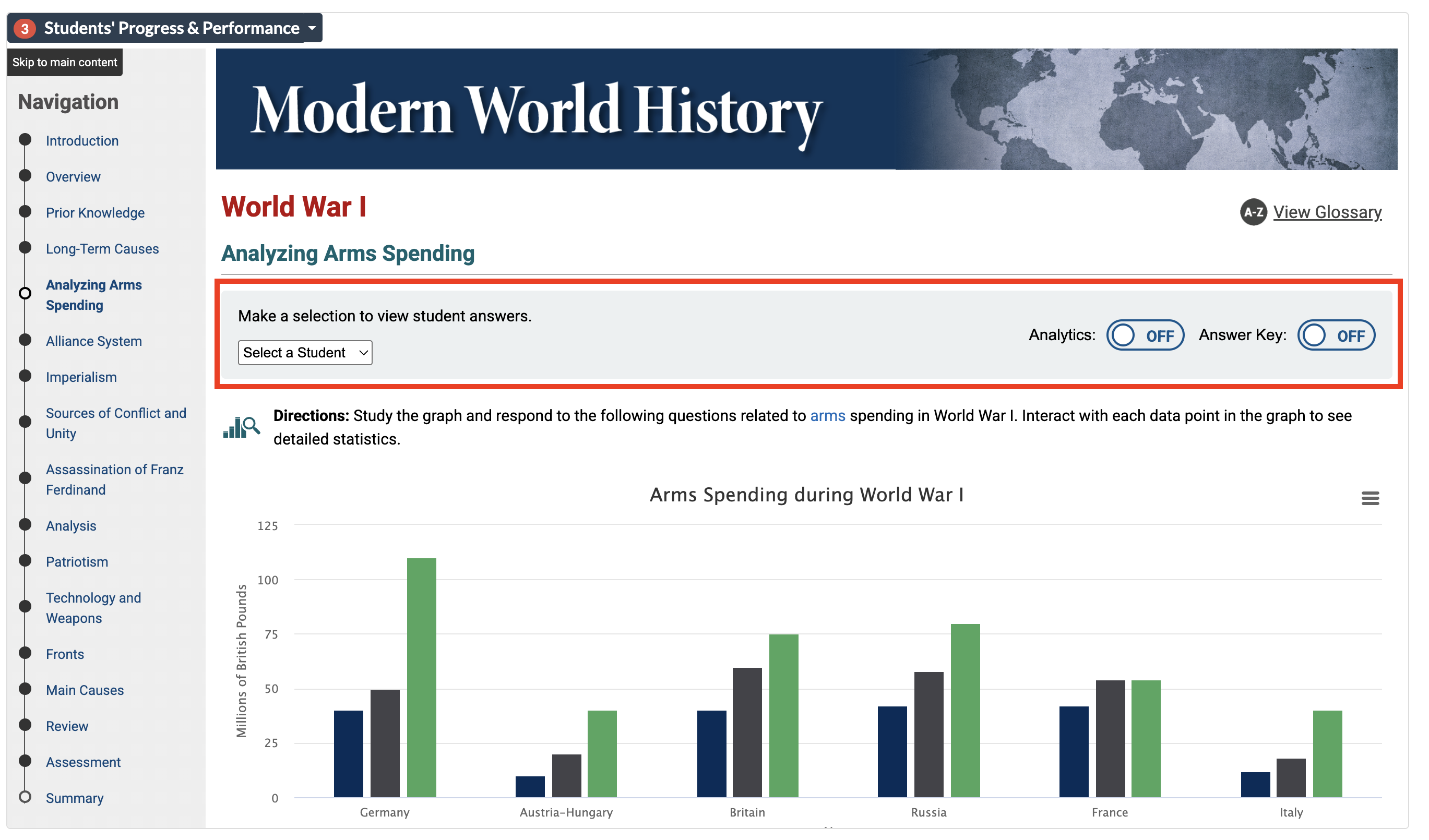
The Answer Key button appears in the top-right corner of any page containing a Quiz or Quiz Bank Quiz block.
Select Answer Key to toggle it on or off. When enabled, instructors can see the correct answer(s) for each question in the quiz.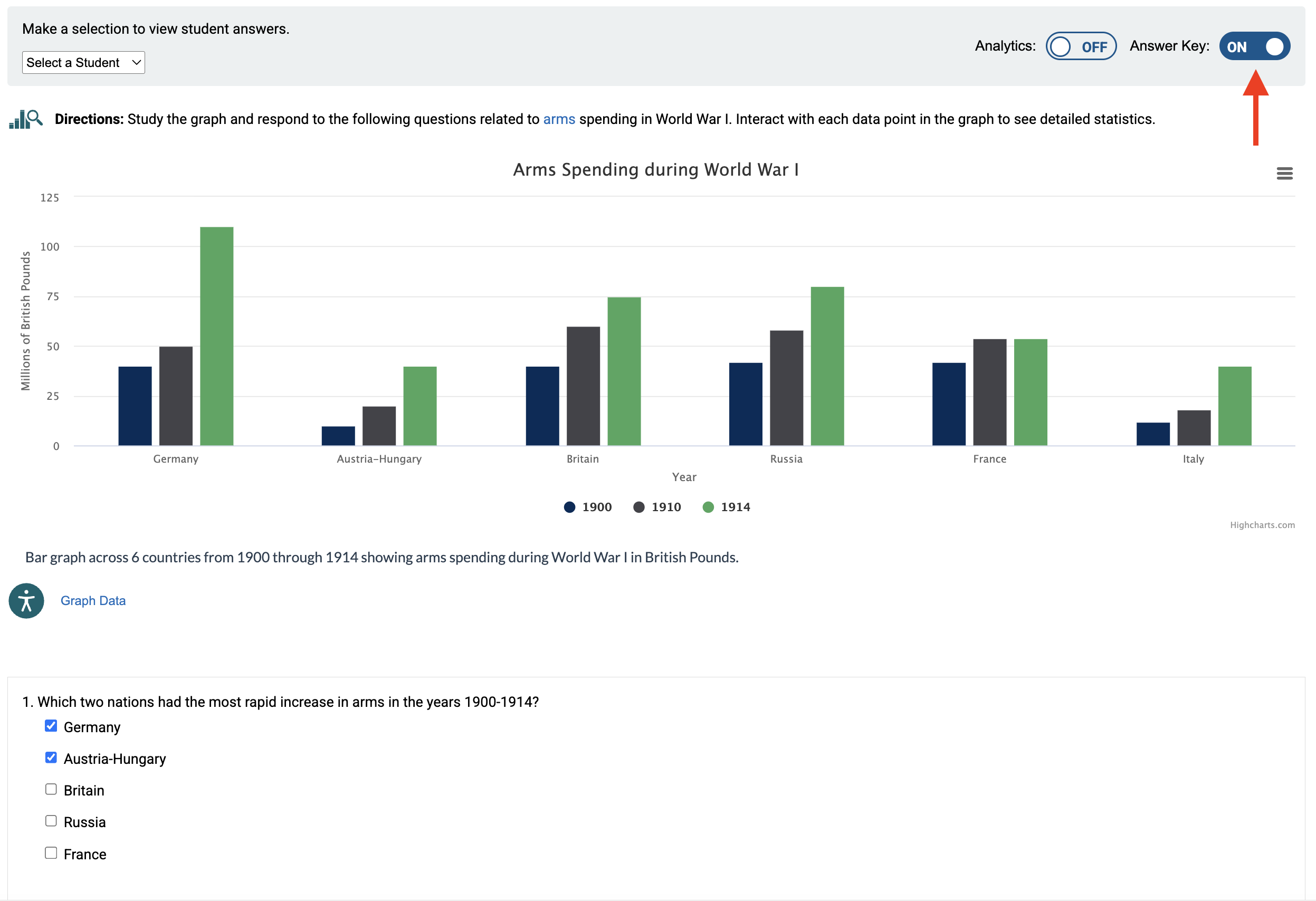
Was this article helpful?
That’s Great!
Thank you for your feedback
Sorry! We couldn't be helpful
Thank you for your feedback
Feedback sent
We appreciate your effort and will try to fix the article