- From the Dashboard, click Settings and select Tracking Code.
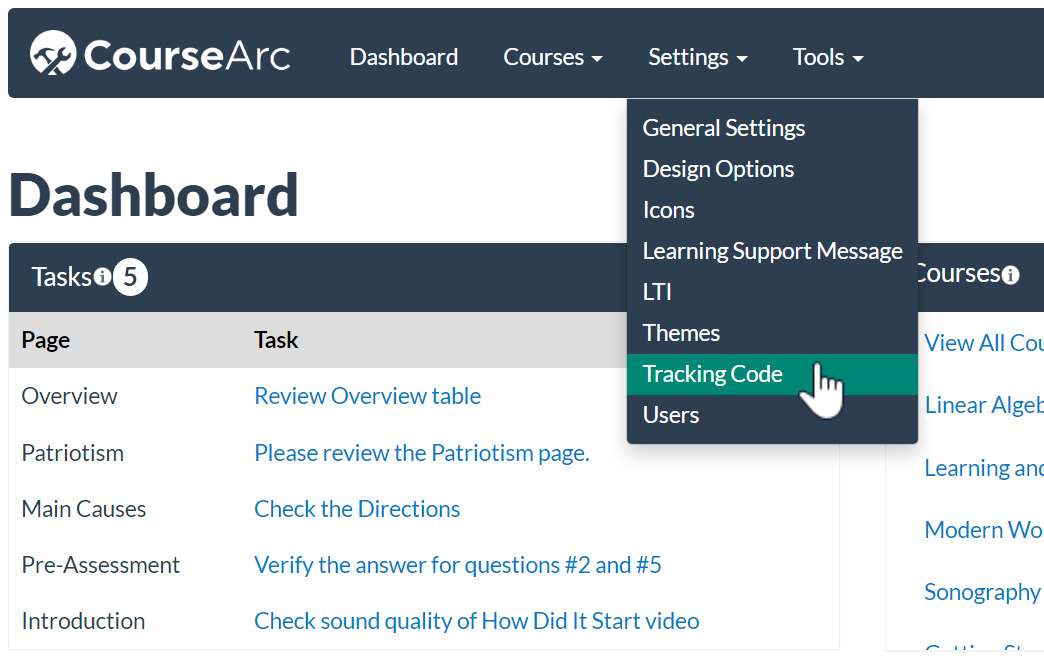
- The Tracking Code form will appear.
- Paste in the tracking code
- Select header or footer for the code position
- Click the Submit button
 View the tracking data collected with a web analytics tool.
Google Analytics dashboard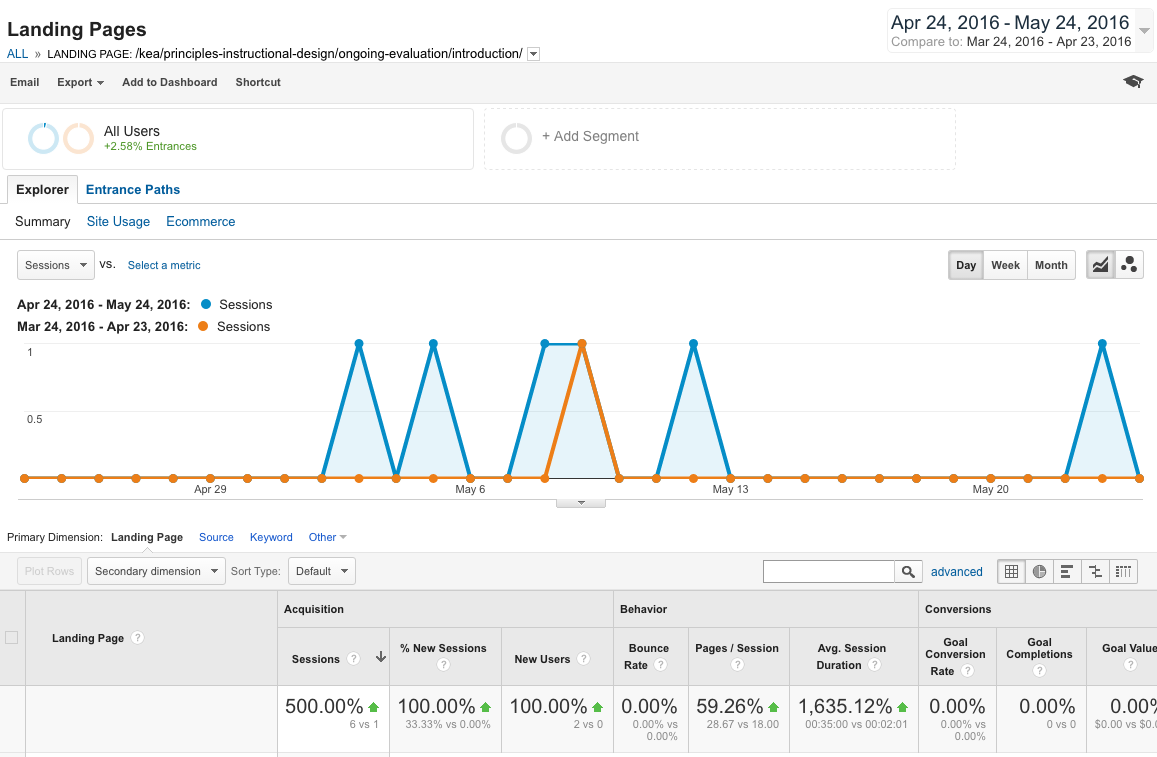
Was this article helpful?
That’s Great!
Thank you for your feedback
Sorry! We couldn't be helpful
Thank you for your feedback
Feedback sent
We appreciate your effort and will try to fix the article